34 DPM 9350/00 - User Manual
Recording mode (Insert/Overwrite)
The INS/OVR button switches between Insert and Overwrite mode:
The default setting is Overwrite mode which means that new speech replaces
existing speech in the sound file from the insertion point forward.
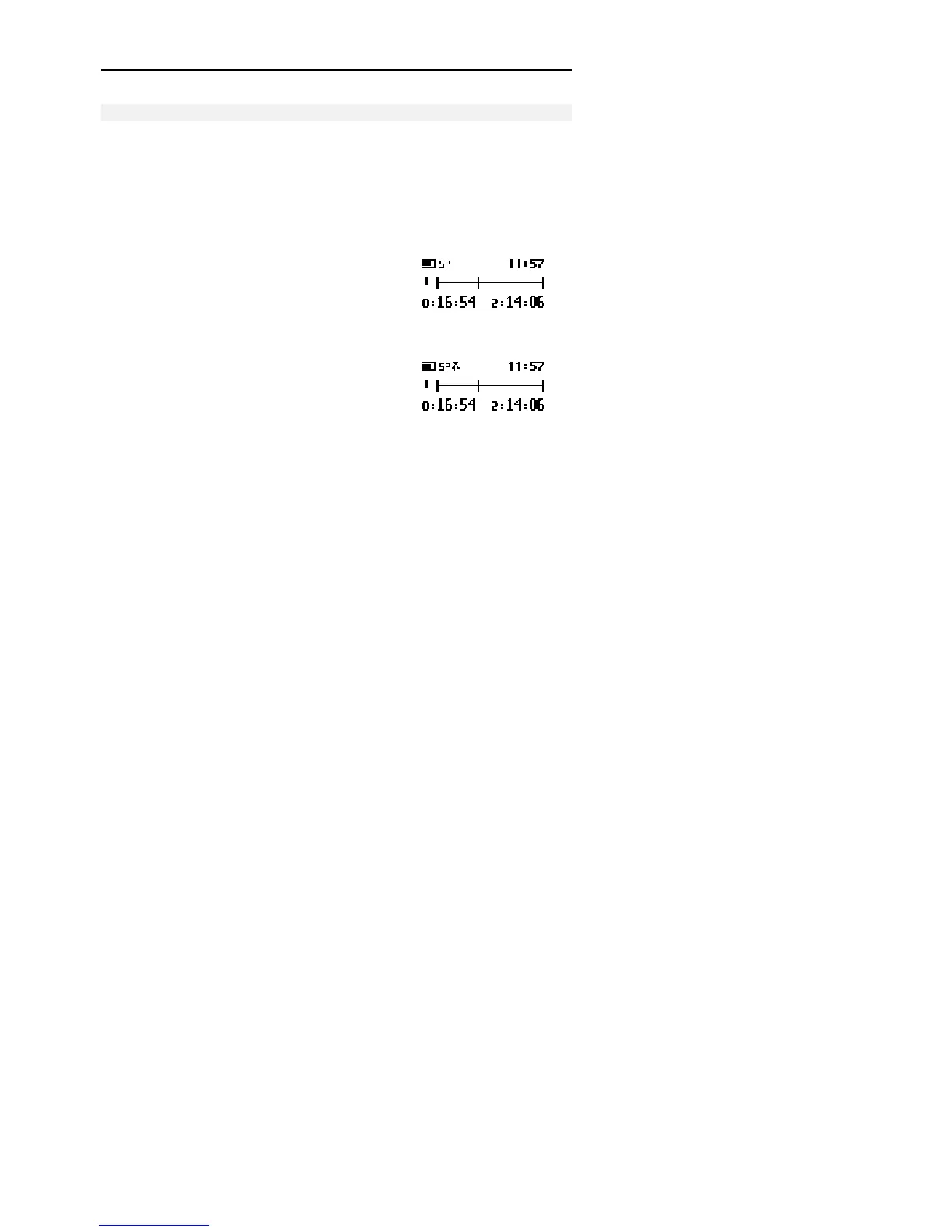
If the mode setting is Overwrite, the LED is red. If the device is set to Insert
mode, the LED is green and an additional symbol is shown on the DPM display.
This is the DPM display in Stop mode and with
Overwrite mode enabled:
This is the DPM display in Stop mode and with
Insert mode enabled:



 To Next Page