Chapter 3: Getting Started 19
Setting the date and time
The DPM 9350/00 displays the date and time in the following format:
YYYY-MM-DD (year-month-day) and HH:MM (hours:minutes)
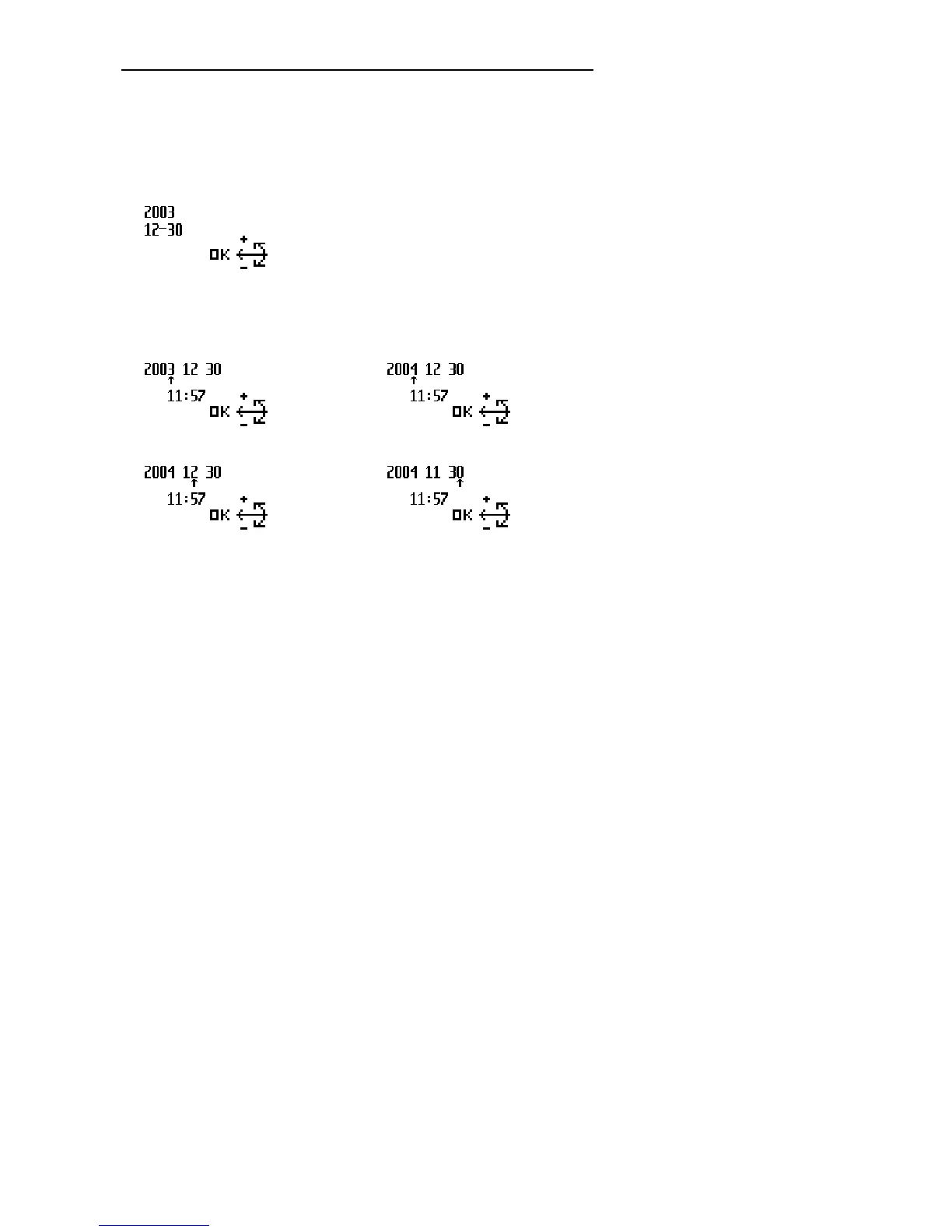
The menu entry for the date and time displays the current date setting:
Confirm the menu entry selection by pressing the Jog Dial and proceed as
follows:
1. Set the year by moving the Jog Dial up or down. Confirm the setting by
pressing the Jog Dial.
2. Set the month and the day.



 To Next Page