Chapter 3: Getting Started 27
Enable the display of the remaining time; this is the default setting: •
Disable the display of the remaining time:
•
Confirm the setting by pressing the Jog Dial and to return to the DPM main
menu.
Reformatting the memory card
You can erase any data on the memory card by reformatting the memory card.
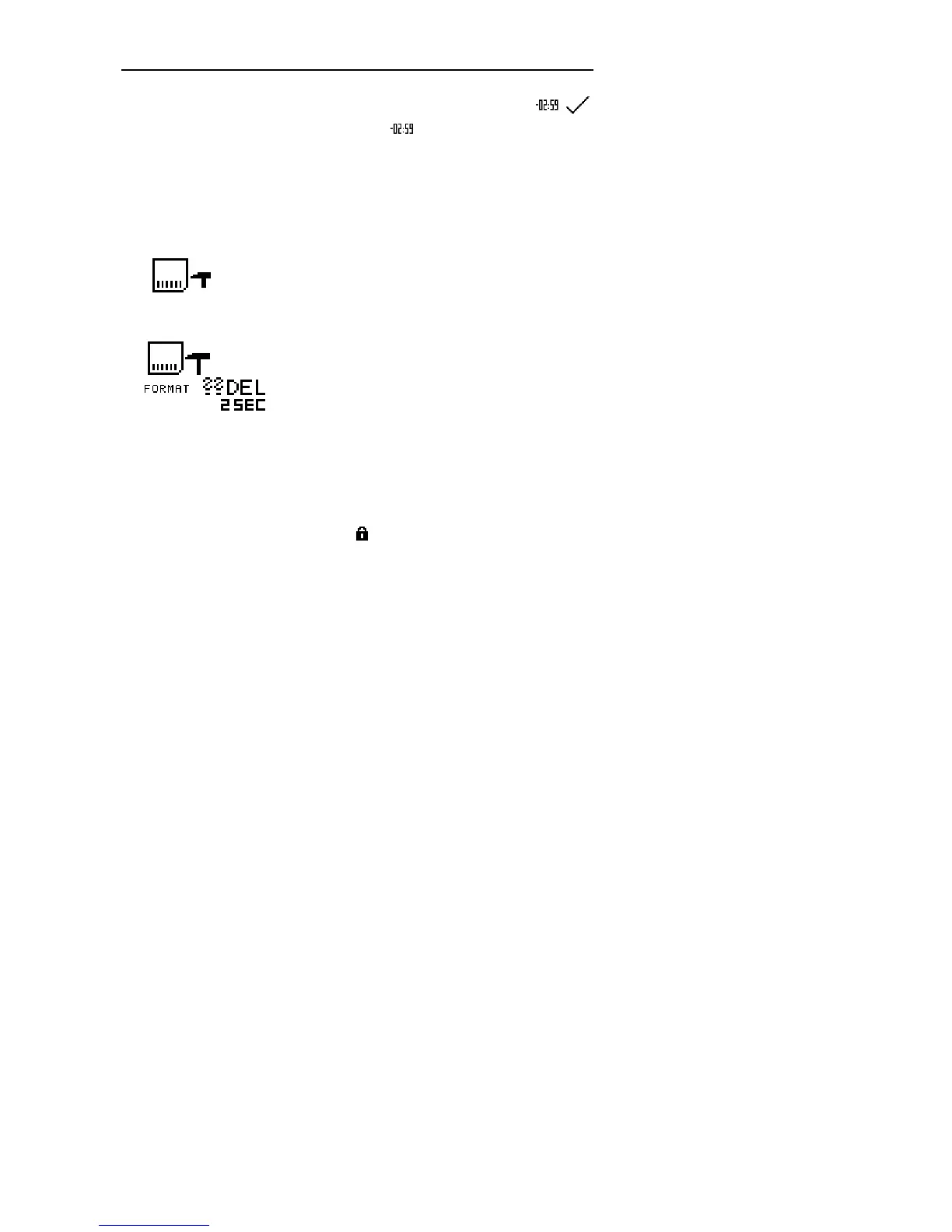
This is the menu entry for reformatting:
Confirm the menu entry selection by pressing the Jog Dial. The following screen
is displayed:
To reconfirm and start the reformatting process, press the DEL button for at
least 2 seconds. This will erase all data on the memory card permanently.
Note: You can cancel the reformatting process by removing the memory
card or by moving the 4-Position Switch.
Note: When reformatting a memory card of the type SD, make sure the
card is not write-protected. A write-protected SD card is indicated with
this symbol on the DPM display:



 To Next Page