8 EN
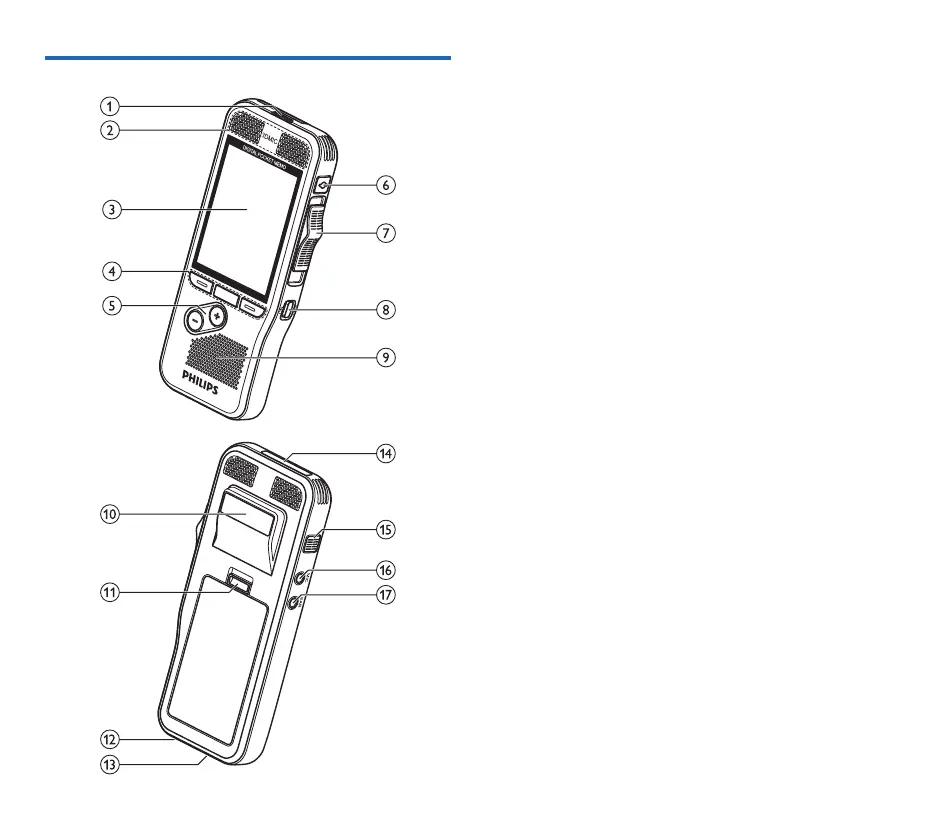
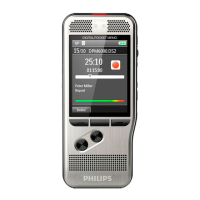
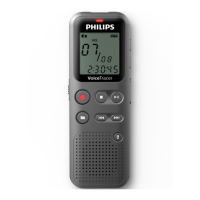
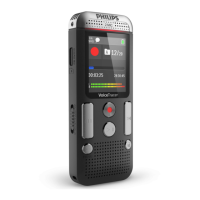
Overview of the recorder
a LED light
• Red: device is recording in overwrite or append mode
• Green: device is recording in insert mode
• Yellow: data is being transferred to/from the computer
b Microphones
c Screen
d Function keys F1, F2, F3
• Select the function displayed on the screen directly above
the key
e +/–
• File navigation in stop mode
• Volume control during playback
• Menu navigation
f EOL/File lock, Priority
• Mark a file as finished and protect it from being deleted
• Prioritize urgent recordings during transcription
g Slide switch (G REC, F STOP, C PLAY, B REW)
h ON/OFF
i Speaker
j Barcode scanner (DPM8500)
k Open the battery cover
l Docking station connector
m USB connector
• Micro USB connection for the computer
n Memory card slot (DPM8000)
o Fast forward (FWD/A)
p MIC
• External microphone socket (stereo jack plug, 3.5mm)
q EAR
• Headphone socket (stereo jack plug, 3.5mm)





 To Next Page