EasyManua.ls Logo

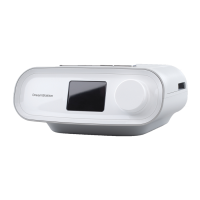
Philips DreamStation CPAP - User Manual

Philips DreamStation CPAP
32 pages
Print Icon
To Next Page IconTo Next Page
Loading...
User manual
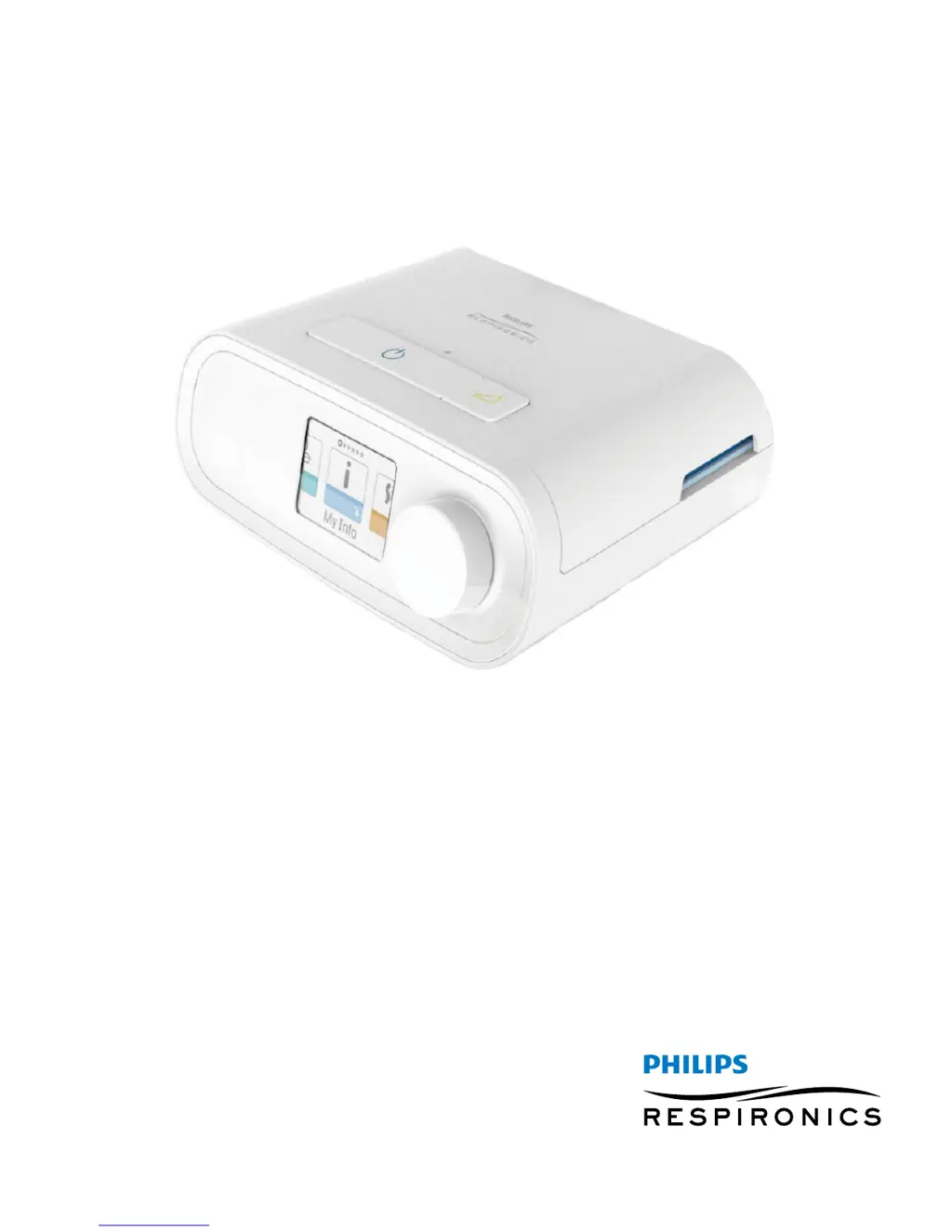
DreamStation CPAP
DreamStation CPAP Pro
DreamStation Auto CPAP

Questions and Answers

  • D
    Danielle MoralesAug 14, 2025
    What to do if the water runs out before morning in my Philips Personal Care Products?
    • B
      Brent MoralesAug 15, 2025
      If the water chamber in your Philips Personal Care Products runs out of water before morning, there are several potential causes. First, ensure the water chamber is filled to the maximum fill line before starting your sleep session. Check your mask fit and adjust it to reduce mask leak. Confirm that the device, humidifier, seals, and tube are properly connected and not leaking. If the issue persists, consider lowering your humidifier and/or heated tube settings or changing the humidification mode from Fixed to Adaptive.
  • C
    christopher33Aug 18, 2025
    Why is the airflow so warm from my Philips Personal Care Products?
    • A
      aromanAug 18, 2025
      If the airflow from your Philips Personal Care Products feels much warmer than usual, start by cleaning or replacing the air filters. Remember that the air temperature can vary based on your room temperature. Ensure the device has proper ventilation, keeping it away from bedding or curtains that might block airflow. Also, keep it away from direct sunlight and heating equipment. If you're using a humidifier, check its settings to ensure it's working correctly.
  • J
    Jamie ReynoldsAug 21, 2025
    What to do if the display is erratic on my Philips Personal Care Products?
    • C
      crossAug 22, 2025
      If your Philips Personal Care Products device's display is acting erratically, unplug the device and then reapply power. If the problem persists, try moving the device to an area with lower Electromagnetic Interference (EMI), away from electronics like cell phones, cordless phones, computers, TVs, electronic games, and hair dryers. If the issue continues, seek assistance from your home care provider.
  • W
    William SanchezAug 25, 2025
    Why do I hear a whistling sound from my Philips DreamStation CPAP Personal Care Products?
    • A
      Angela MorenoAug 26, 2025
      If you hear a leak or whistling sound coming from your Philips Personal Care Products therapy device or humidifier (but not from the mask), check that the therapy device air inlet is not obstructed and that the filters are clean and properly inserted. Confirm that the device, humidifier, and tube are connected properly and are not leaking. Also, make sure the humidifier lid seal and dry box seal are present and properly seated; if needed, gently press around the perimeter of the seals to reseat them.
  • M
    Martin StanleyAug 28, 2025
    What to do if the airflow does not turn on in Philips Personal Care Products?
    • D
      Danny KimAug 28, 2025
      If your Philips Personal Care Products airflow does not turn on, ensure the device is powered correctly and that the Home screen appears on the user interface. Press the Therapy button on top of the device to start airflow. If it still doesn't turn on, there may be a problem with your device, and you should contact your home care provider for assistance.
  • C
    Charles SandersAug 31, 2025
    What to do if my Philips DreamStation CPAP Personal Care Products doesn't turn on?
    • A
      Aaron TurnerAug 31, 2025
      If nothing happens when you apply power to your Philips Personal Care Products and the backlights on the buttons do not light up, and you are using AC power, check the outlet and verify that the device is properly plugged in and that there is power available at the outlet. Ensure the AC power cord is connected correctly to the power supply and the power supply cord is securely connected to the device’s power inlet. If you are using DC power, make sure your DC power cord and battery adaptor cable connections are secure and check your battery. It may need recharged or replaced. If the problem persists, check the DC cord’s fuse following the instructions supplied with your DC cord. The fuse may need to be replaced. If the problem still occurs, contact your home care provider.
  • K
    Kristopher MosleySep 3, 2025
    What should I do if I spill water in my Philips DreamStation CPAP Personal Care Products humidifier?
    • C
      Cynthia CurrySep 4, 2025
      If you accidentally spill water into the humidifier basin of your Philips Personal Care Products, disconnect power from the device. Remove the water chamber, pour out any excess water until the water level is at or below the maximum fill line, and set the chamber aside. Separate the humidifier from the therapy device and pour out the spilled water. Once the heater plate has cooled, wipe the inside of the humidifier with a paper towel or soft cloth. If needed, dry the underside of the humidifier and confirm that your tabletop is dry. Reconnect the humidifier and power supply, and reinstall the water chamber.
  • E
    eswansonSep 7, 2025
    Why doesn't the ramp feature work on my Philips DreamStation CPAP?
    • L
      larsonjamesSep 7, 2025
      If the Ramp feature on your Philips Personal Care Products isn't working when you press the Ramp button, it could be because your home care provider did not prescribe Ramp for you, or your therapy pressure is already set to the minimum setting. If Ramp has not been prescribed, discuss this feature with your home care provider. If your provider has enabled Ramp, but it still does not work, check the current pressure setting on the Therapy screen. If the therapy pressure is set to the minimum setting (4.0 cm HO), or the Ramp starting pressure is the same as the therapy pressure, the Ramp feature will not work. Make sure that the ramp time setting is >0.
  • L
    Lori BuckSep 12, 2025
    How to adjust humidifier settings on Philips DreamStation CPAP Personal Care Products?
    • T
      Thomas TaylorSep 12, 2025
      If you are having difficulty adjusting the heated humidifier setting or the heated tube temperature setting on your Philips Personal Care Products, the settings can only be adjusted from the Therapy ON display screen. Confirm that the blower is turned on, and that the settings are visible on the right side of the screen, then adjust to desired comfort. If the blower is on but the humidifier settings are not displayed on the Therapy ON screen, then unplug the device. Confirm that the humidifier and/or heated tube electrical contacts are not obstructed or damaged. Then reconnect the humidifier and/or heated tube, and reconnect the device’s power supply. Turn the blower on; if the settings are still not visible, contact your provider for assistance.

Summary

Warnings

Cautions

Contraindications

System Overview

Installing and Replacing Air Filters

Device Placement and Power Supply

Connecting the Breathing Circuit

Navigating Device Screens and Starting Therapy

Therapy ON Menu Navigation

Ramp Feature Details

Therapy OFF Menu Navigation

Preheat Function

My Setup Menu Options

Device Settings and Features

Bluetooth Wireless Technology

Pairing with Mobile Devices

Step-by-step instructions for pairing the therapy device with a mobile device.

Check Mask Fit

Sleep Progress and Altitude Compensation

Device Alerts Overview

Alert Summary and Actions

Lists various alerts, their icons, types, descriptions, causes, and recommended actions.

Troubleshooting Common Issues

Problem Diagnosis and Solutions

Addresses issues like no power, no airflow, erratic display, and ramp feature not working.

System Accessories

Supplemental Oxygen and DC Power

Traveling with the System

Cleaning and Maintenance

Technical Specifications

Pressure, Flow, Disposal, and EMC

Limited Warranty Information

Philips DreamStation CPAP Specifications

General IconGeneral
Device TypeCPAP Machine
Therapy ModesCPAP, Auto CPAP
Pressure Range4-20 cm H2O
Altitude CompensationAutomatic
Data StorageSD card
Warranty2 years
Ramp Time0 to 45 min (5-min increments)
Power SupplyAC 100-240V, 50/60Hz
HumidificationOptional integrated humidifier

Related product manuals