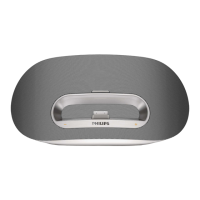
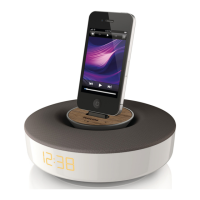
1 Connect the AC power cord to the wall outlet.
Turn on
1
The unit turns on automatically after power connection.
When the user approaches the unit, the LED light under »
the volume button on the main unit turns on automatically.
Switch to Power Standby
The unit switches to Standby mode automatically when:
In • DOCK mode: unlock the iPod/iPhone .
In • Aux-in mode: no signal input over 15 minutes.
English
EN



 To Next Page
 Loading...