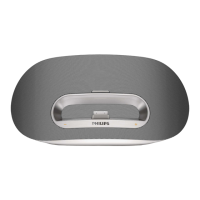
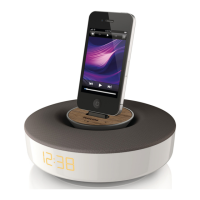
Listen to the iPod/iPhone
1 Ensure that the iPod/iPhone has been loaded correctly.
2 Press to select the dock mode.
3 Press .
The connected iPod/iPhone starts to play. »
To pause/resume play, press •
.
To skip to a track, press the fast forward/backward keys.•
To search during play, press and hold the fast forward/•
backward keys, then release to resume normal play.
To navigate through the menu, press • MENU, then press
the up/down keysto select, and press OK to conrm.
Charge the iPod/iPhone
The docked iPod/iPhone begins to charge as soon as the unit is
connected to AC power.
Play from an external device
You can also listen to an external audio device through this unit.
1 Press to select Aux-in mode.
2 Connect the supplied Aux-in cable to:
the • AUX IN jack (3.5mm) on the back of the unit.
the headphone jack on an external device.•
3 Start to play the device (see the device user manual).
Adjust volume level
1
During play, press VOL +/- to increase/decrease the volume level.
Mute sound
1
During play, press MUTE to mute/unmute sound.
English
EN



 To Next Page
 Loading...