• To exit Repeat mode, press REPEAT a third time for about 1
second.
A-B REPEAT
To repeat or loop a sequence:
• Press A-B REPEAT briefly at your chosen starting point;
➜ A appears on the player display.
• Press A-B REPEAT briefly again at your chosen end point;
➜
A-B appears on the display, and the repeat sequence
begins.
• To exit the sequence, press A-B REPEAT briefly again.
SCAN
Plays the first 10 seconds of each title on the disc.
• Press SCAN for about 1 second.
• To continue play at your chosen title, press SCAN again for
about 1 second or press 2.
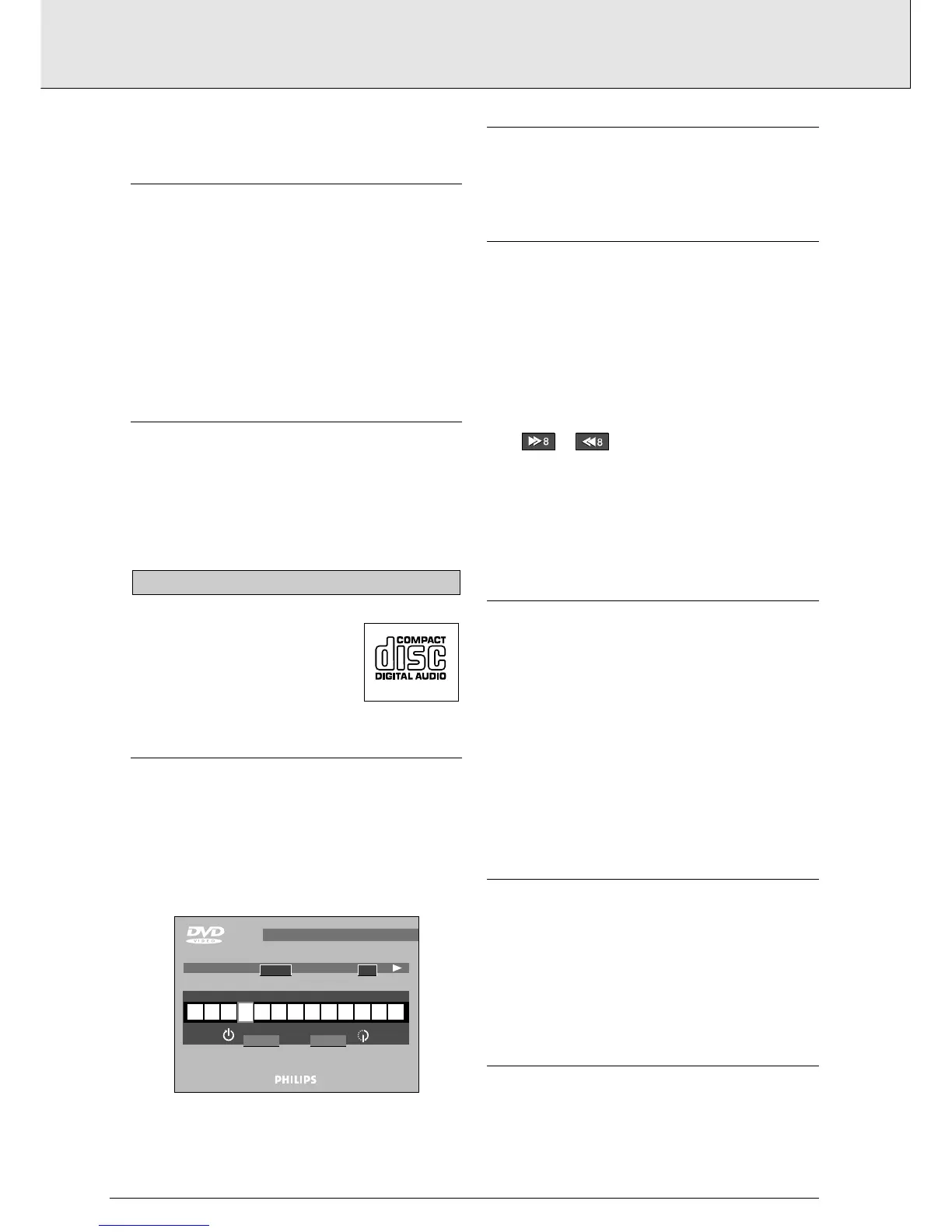
Audio CDs contain music tracks only.
You will recognize CDs by their logo.
You can play audio CDs using the OSD or,
through a stereo system only, using keys on
the remote control and/or front panel.
PLAYING A DISC
• With Autoplay on, play starts when you close the disc
drawer.
• With Autoplay off, press 2.
➜ The disc starts to play; if the TV is on, the CD Play scre-
en appears on the OSD.
➜ Play will stop at the end of the disc.
• To stop play at any other time, press 9.
PAUSE
• Press ; during play.
• To return to play, press 2.
SEARCH
• To search forwards or backwards through the disc at 4x
normal speed, press K or J for about 1 second during
play.
➜ Search begins, and sound is partially muted.
• To step up to 8x normal speed, press K or J again.
➜ Search goes to 8x speed, and the sound is muted.
• To go directly to 8x normal speed, hold down K or J until
the or icon appears.
• To return to 4x normal speed, press K or J again.
• If the TV is on, search speed and direction are indicated on
the screen each time K or J is pressed.
• To end the search, press 2, ; or 9 as desired.
MOVING TO ANOTHER TRACK
• Press K briefly during play to step forward to the next track.
• Press J briefly during play to return to the beginning of the
current track. Press J briefly again to step back to the
beginning of the previous track.
• To go directly to any track, enter the track number using the
numerical keys.
NOTE
- If the number has more than one digit, press the keys in
rapid succession.
SHUFFLE
• Press SHUFFLE briefly during play.
➜ The order of the tracks is changed.
• As each track is played, its number disappears from the
player display.
• To return to normal play, press SHUFFLE briefly again.
REPEAT TRACK/DISC
• To repeat the current-playing track, press REPEAT for about
1 second:
➜ REPEAT TRACK appears on the display.



 To Next Page