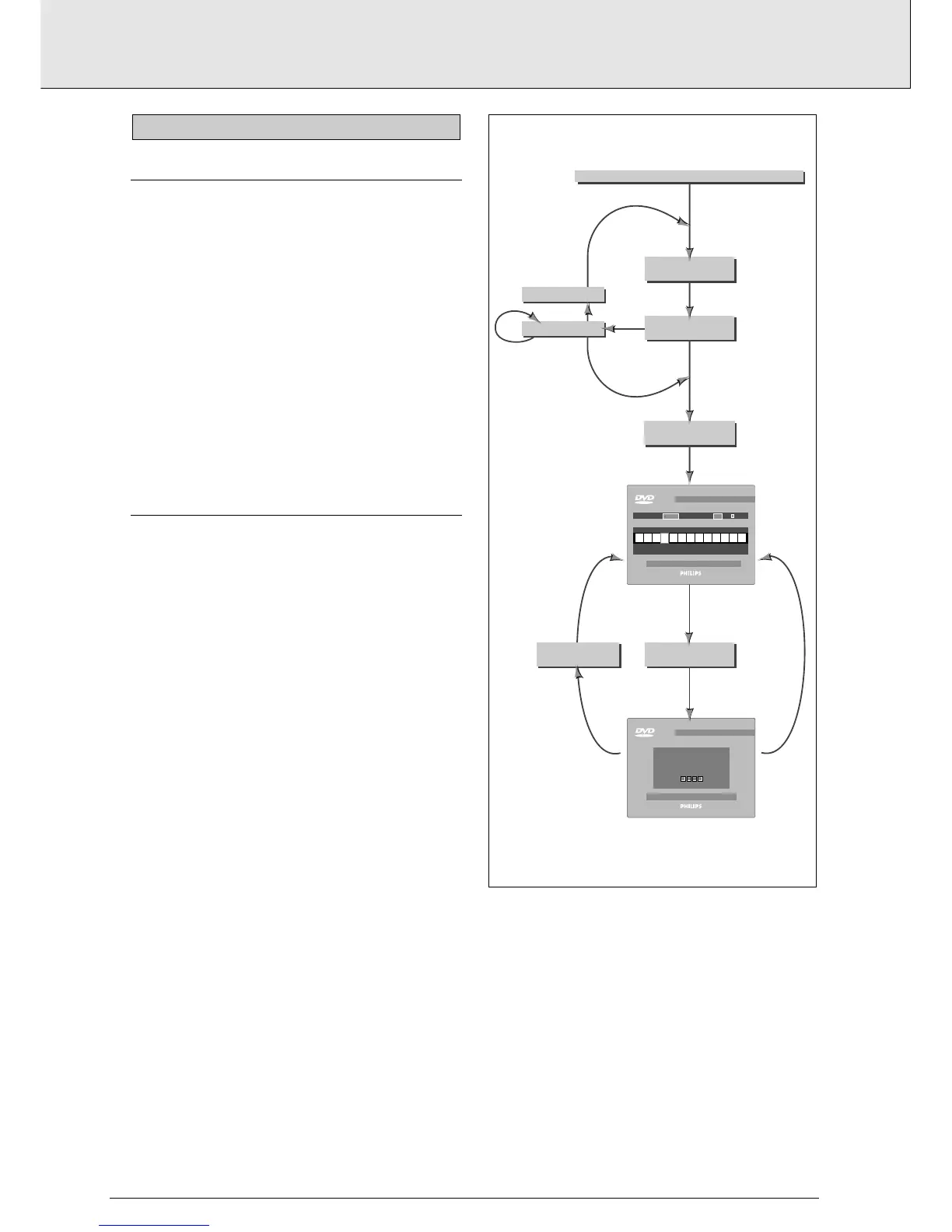
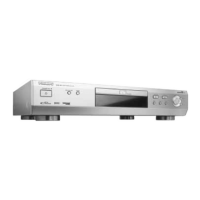
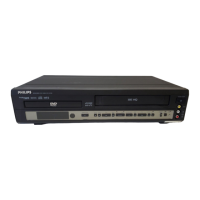
ACTIVATING PARENTAL CONTROL
This can only be done in Stop mode
1 Press SETUP to obtain the Settings menu.
2 Move to Parental Control using ob.
3 Press l or r to change Parental Control to Active.
4 You will be asked to enter a 4-digit pin code of your own
choice, and then to confirm your choice.
5 This code must then be entered to play any DVD-Video or
Video CD disc, unless you have previously authorized the
disc as suitable for all ages.
6 To de-activate Parental Control repeat the above procedure.
AUTHORIZING DISCS
1 Insert the disc you wish to authorize and close the tray.
➜ The OSD will ask for your pin code.
2 Enter your pin code.
3 Press 9.
4 Select Parental Control on the OSD by pressing
r
➜ The OSD will ask for your pin code.
5 The disc is now authorized, and will play in the normal way,
without the pin code.
To cancel your authorization, repeat steps 4 and 5.
NOTE
- You can have a total of 50 authorized discs. If you exceed
that number, the least frequently played disc(s) are automa-
tically de-authorized.
Enter Pin Code
NO
YES
Change
Autorization
ENTER
PIN CODE
PRESS "STOP"
NOT OK
OK
OK
NO
YES
NOT
OK
1 back 2
This disc is not authorised
to BE VIEWED without PIN.
Please enter your PIN
to authoeise viewing
DVD video
DVD video
time titles
eject disc 1 2 parental control
23 567891011121341
09:16 45
TRY 3X
when Parental Control is active
insert disc
is this
disc authorized?
normal operation
select
Parental Control
change
autorization
open tray
enter pin



 To Next Page