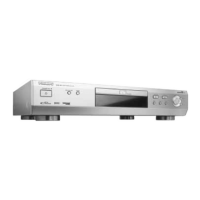
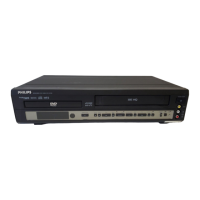
If it appears that the DVD-Video player is faulty, first consult
this checklist. It may be that something simple has been over-
looked. Under no circumstances attempt to repair the system
yourself; this will invalidate the warranty.
Look for the specific symptom(s). Then perform only the
actions listed to remedy the specific symptom(s).
SYMPTOM
• Remedy
NO POWER................................................................................
• Check if the on/off button on the front of
the player is set to on.
• Check if both plugs of the mains cord are
properly connected.
• Check if there is power at the AC outlet by
plugging in another appliance.
NO PICTURE..............................................................................
• Check if the TV is switched on.
• Select the same channel and source on the
TV as on the player.
• Check the video connection.
DISTORTED PICTURE..............................................................
• Check the disc for fingerprints and clean
with a soft cloth, wiping from centre to
edge.
• Sometimes a small amount of picture
distortion may appear.This is not a
malfunction.
COMPLETELY DISTORTED PICTURE WITH PLAYER MENU
• NTSC/PAL switch in wrong position.
NO COLOUR IN PICTURE WITH PLAYER MENU................
• NTSC/PAL switch in wrong position.
DISC CAN’T BE PLAYED ........................................................
• Ensure the disc label is upwards.
• Clean the disc.
• Check if the disc is defective by trying
another disc.
NO SOUND................................................................................
• Check audio connections.
• If using a HiFi amplifier, try another sound
source.
DISTORTED SOUND FROM HIFI AMPLIFIER ......................
• Check that the player’s audio L/R output is
not connected to the amplifier’s phono
input.
NO RETURN TO START-UP SCREEN WHEN DISC IS
REMOVED..................................................................................
• Reset by switching the player off, then on
again.
• Check to see if the program requires
another disc to be loaded.
THE PLAYER DOES NOT RESPOND TO THE REMOTE
CONTROL ..................................................................................
• Aim the remote control directly at the sen-
sor on the front of the player.
• Avoid all obstacles which may interfere
with the signal path.
• Inspect or replace the batteries.
DISTORTED OR BLACK AND WHITE PICTURE WITH DVD
OR VIDEO CD DISC..................................................................
• The disc format is not according to the TV-
set used (NTSC/PAL).
NO AUDIO AT DIGITAL OUTPUT ..........................................
• Check the digital connections.
• Check the settings menu to make sure that
the digital output is set to on.
• Check if the audio format of the selected
audio language matches your receiver
capabilities.
BUTTONS DO NOT WORK......................................................
• Reset by switching the player off, then on
again.
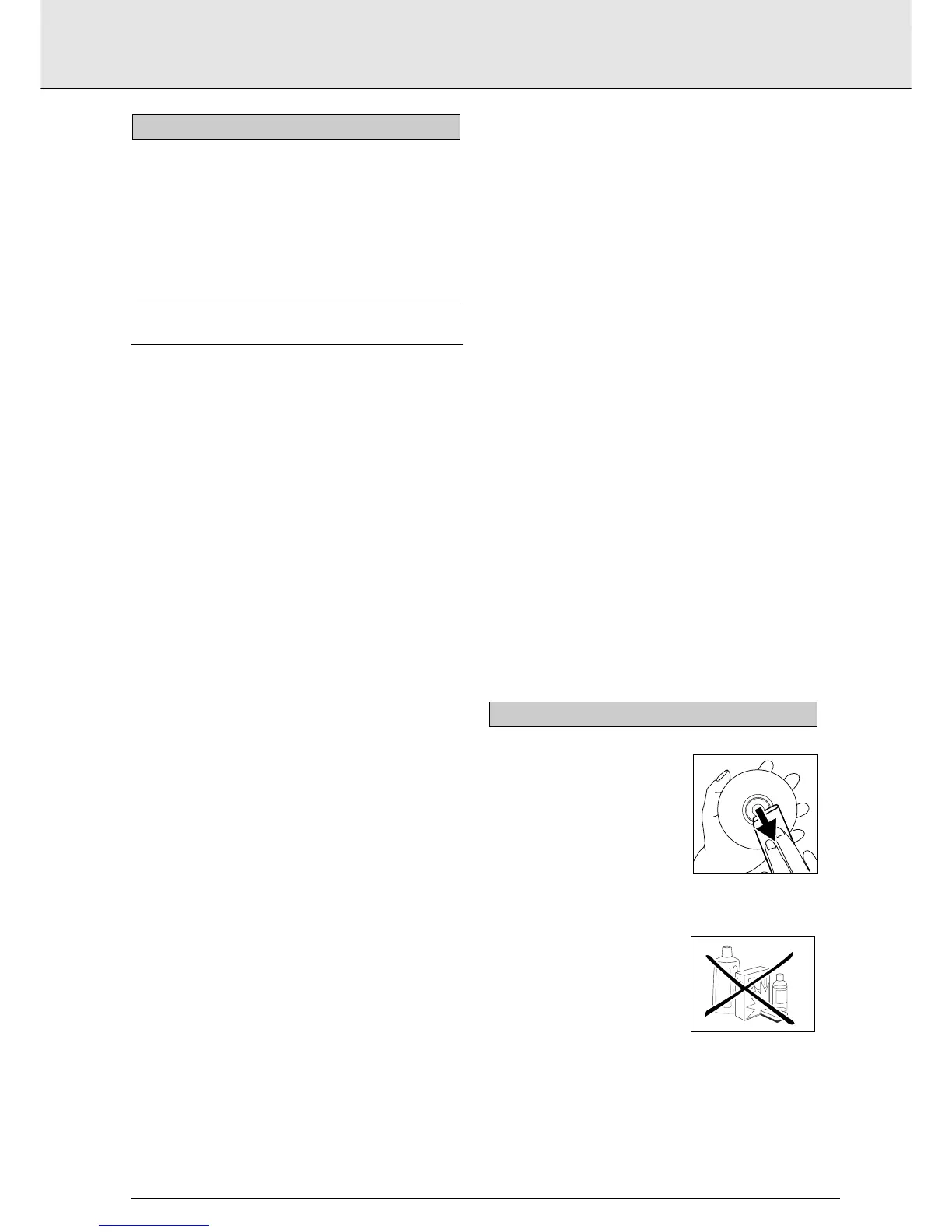
Some problems occur because the
disc inside the player is dirty. To avoid
such problems clean your discs regu-
larly with a soft cloth. Wipe the disc
from the center out.
CAUTION
Do not use solvents such as
benzine, thinner, commercially
available cleaners, or anti-static
spray intended for analog discs.
CLEANING DISCS
BEFORE REQUESTING SERVICE
english
23
BEFORE REQUESTING SERVICE



 To Next Page