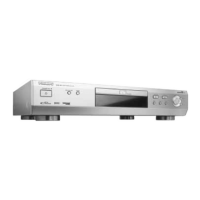
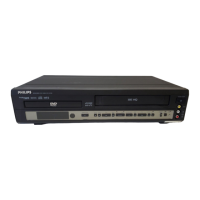
If the fault persists, you can run the Diagnostic Program in the
player.
INSTRUCTIONS:
1 Switch the player off.
2 Hold both OPEN/CLOSE and ; pressed and switch on the
player.
➜ ‘BUSY’ appears on the display together with a counter.
The counter indicates the termination of the test when it
reaches zero.
➜ After a few minutes, ‘
BUSY’ changes to ‘ERROR’ or ‘PASS’.
3 Swith off the player to exit the Diagnostic Program.
4 ‘ERROR’ indicates that your player needs repair. Contact your
dealer or the Philips Consumer Information Center (CIC).
5 ‘
PASS’ indicates that the Diagnostic Program has found no
fault. In this case, the malfunction may be due to misinter-
pretation of the operating intructions, or an unsuitable disc,
or incorrect connections. If you still cannot solve the pro-
blem, contact your dealer or the Philips CIC.
6 You will find the phone number of the Philips CIC in your
Warranty Booklet.
DIAGNOSTIC PROGRAM
english
24
BEFORE REQUESTING SERVICE



 To Previous Page