68 Display
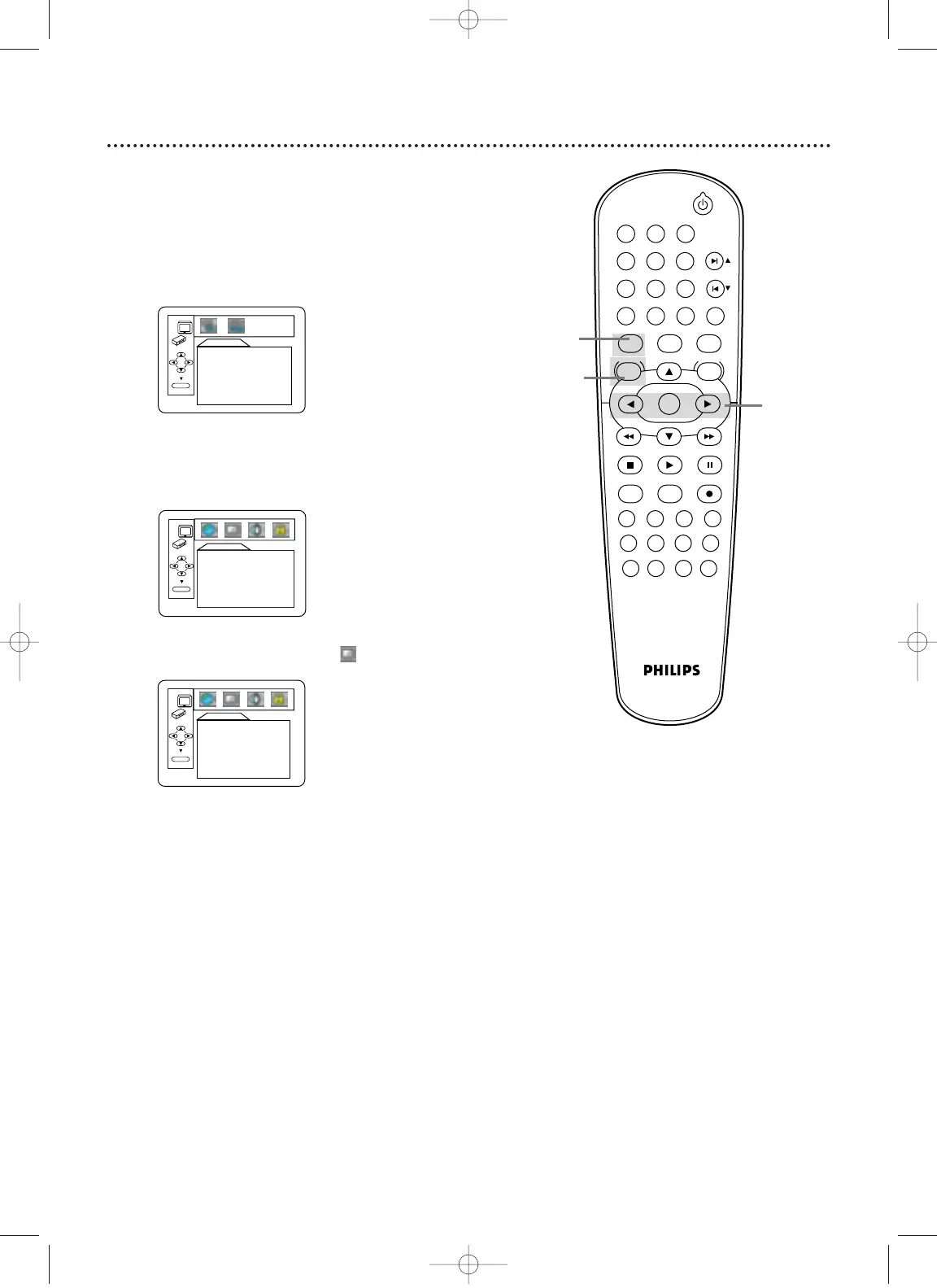
You can change the TV Aspect,Angle Icon, and Automatic Power
Off features of the DVD Player in the Display menu.
1
Press DVD to put the DVD/VCR in DVD mode.
2
When playback is stopped, press SYSTEM/MENU.
The QUICK SETUP screen will appear.
DISPLAY
TV ASPECT 4:3 LETTERBOX
ANGLE ICON ON
AUTO POWER OFF ON
OK
4
Press s or B to select (display), then press OK.
QUICK SETUP
PLAYER MENU ENGLISH
TV ASPECT
4:3 LETTER BOX
DOLBY DIGITAL ON
OK
3
Press B to select CUSTOM at the top of the menu,
then press OK.
LANGUAGE
AUDIO ORIGINAL
SUBTITLE OFF
DISC MENU ENGLISH
PLAYER MENU ENGLISH
OK
STANDBY-ON
PLAY
VCR/TV
VCRDVD
OK
MENU MENU
SYSTEM
RETURN TITLE
A-B
CLEAR/RESET SLOW
SUBTITLE ZOOM
ANGLE
REPEAT REPEAT
AUDIO
SEARCH MODE
DISPLAY
SKIP / CH
DISC/VCR
PAUSESTOP
VCR Plus+ RECORDTIMER SET
SPEED
1 2 3
7
6
5
4
8
9
0
+10
2
3-4
1
H9421CD/DVD750(EN)pgs52-84.QX3 03.4.11 11:35 AM Page 68












 To Next Page