36 EN36 EN
1
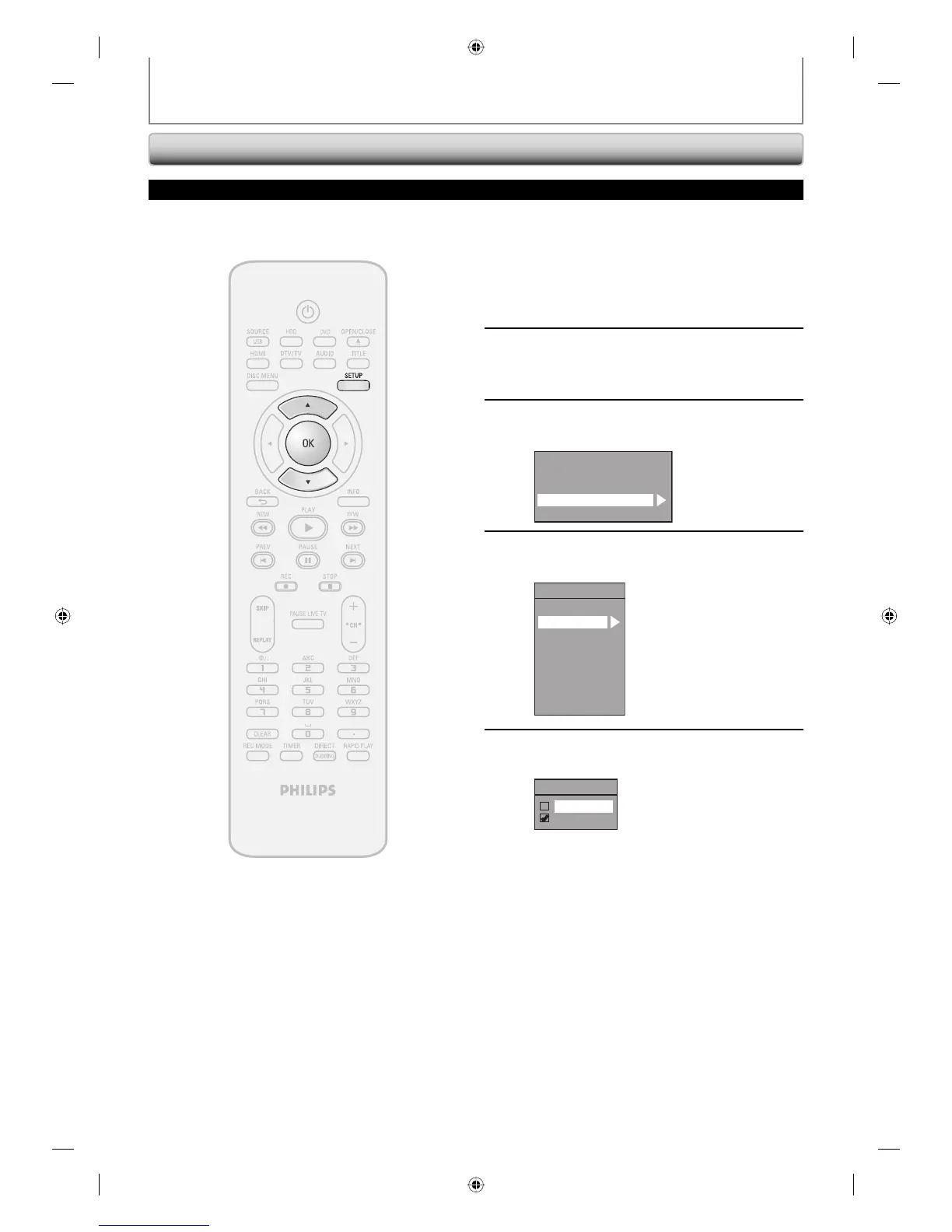
Press [SETUP] and use [K / L] to
select “General Setting”, then press
[OK].
“General Setting” menu will appear.
2
Use [K / L] to select “Display”, then
press [OK].
3
Use [K / L] to select “CC Style”, then
press [OK].
OSD Language
Screen Saver
FL Dimmer
CC Style
V-Chip
4
Use [K / L] to select “User Setting”,
then press [OK].
CC Style
DTV CC
User Setting
Font Size
Font Style
Edge Type
Font Opacity
Font Color
Back Opacity
Back Color
5
Use [K / L] to select “ON”, then press
[OK].
User Setting
ON
OFF
TUNER SETTINGS
Closed Caption Style
Digital TV
Digital TV can also change the style of its closed caption such as font, color or size, etc.
HDD & DVD RECORDER
E2H42UD_DVDR3576H-37_EN.indd 36E2H42UD_DVDR3576H-37_EN.indd 36 2007/12/28 11:15:032007/12/28 11:15:03















 To Next Page