98 EN98 EN
EDITING
Making Edits Compatible
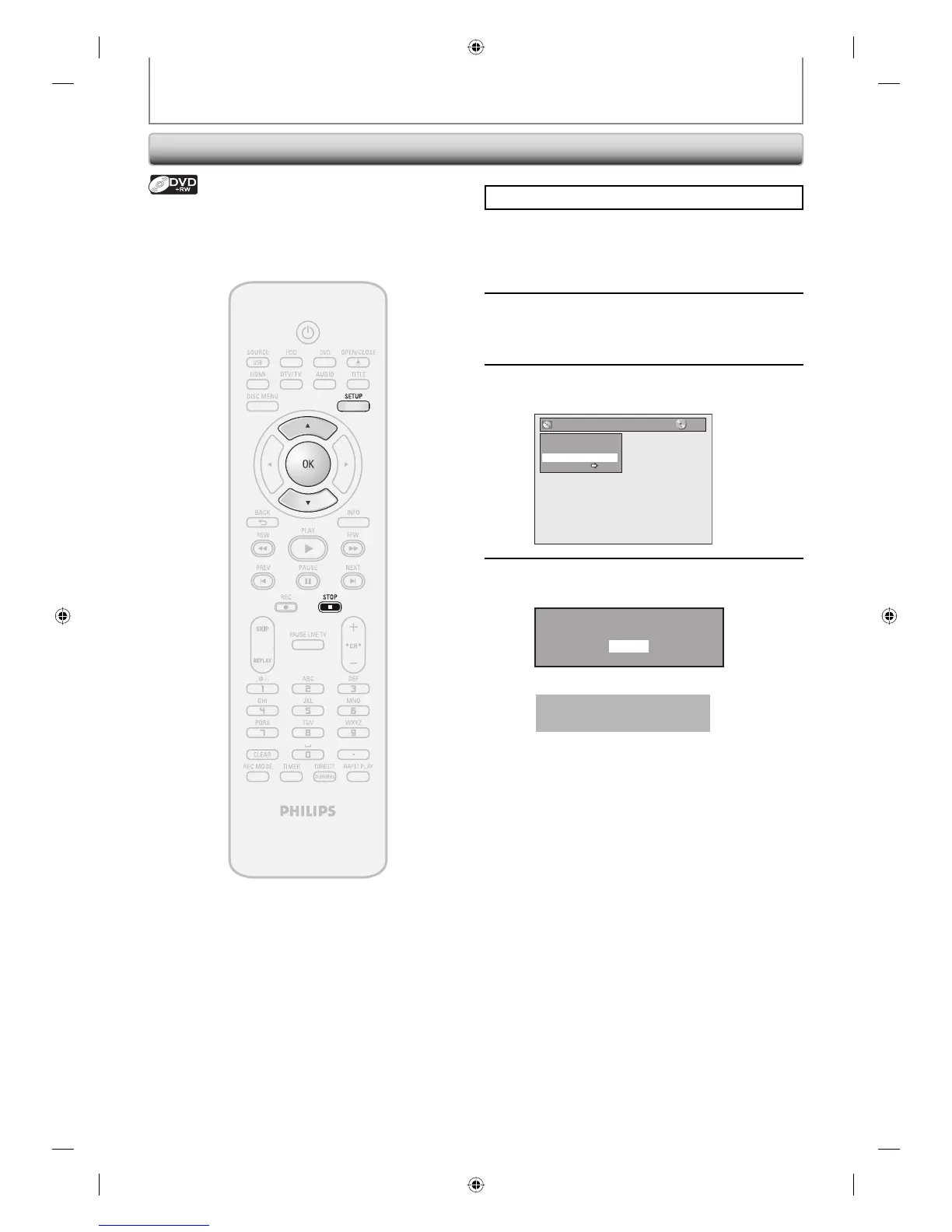
Press [STOP C] if you are playing back a disc.
1
Press [SETUP].
2
Use [K / L] to select “Disc Edit”, then
press [OK].
3
Use [K / L] to select “Make Edits
Compatible”, then press [OK].
Disc Edit
Edit Disc Name
Erase Disc
Make Edits Compatible
Disc Protect OFF ON
4
Use [K / L] to select “Yes”, then press
[OK].
Activate the Make Edits Compatible?
Yes
No
Data will be written onto the disc momentarily.
This operation may take a
while to be completed.
If you have added or deleted chapters, or made chapters
hidden, you must perform “Make Edits Compatible” to
see those effects on other unit.
HDD & DVD RECORDER
E2H42UD_DVDR3576H-37_EN.indd 98E2H42UD_DVDR3576H-37_EN.indd 98 2007/12/28 11:16:212007/12/28 11:16:21















 To Next Page