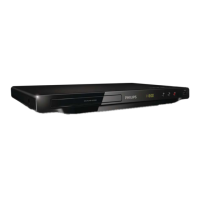
7
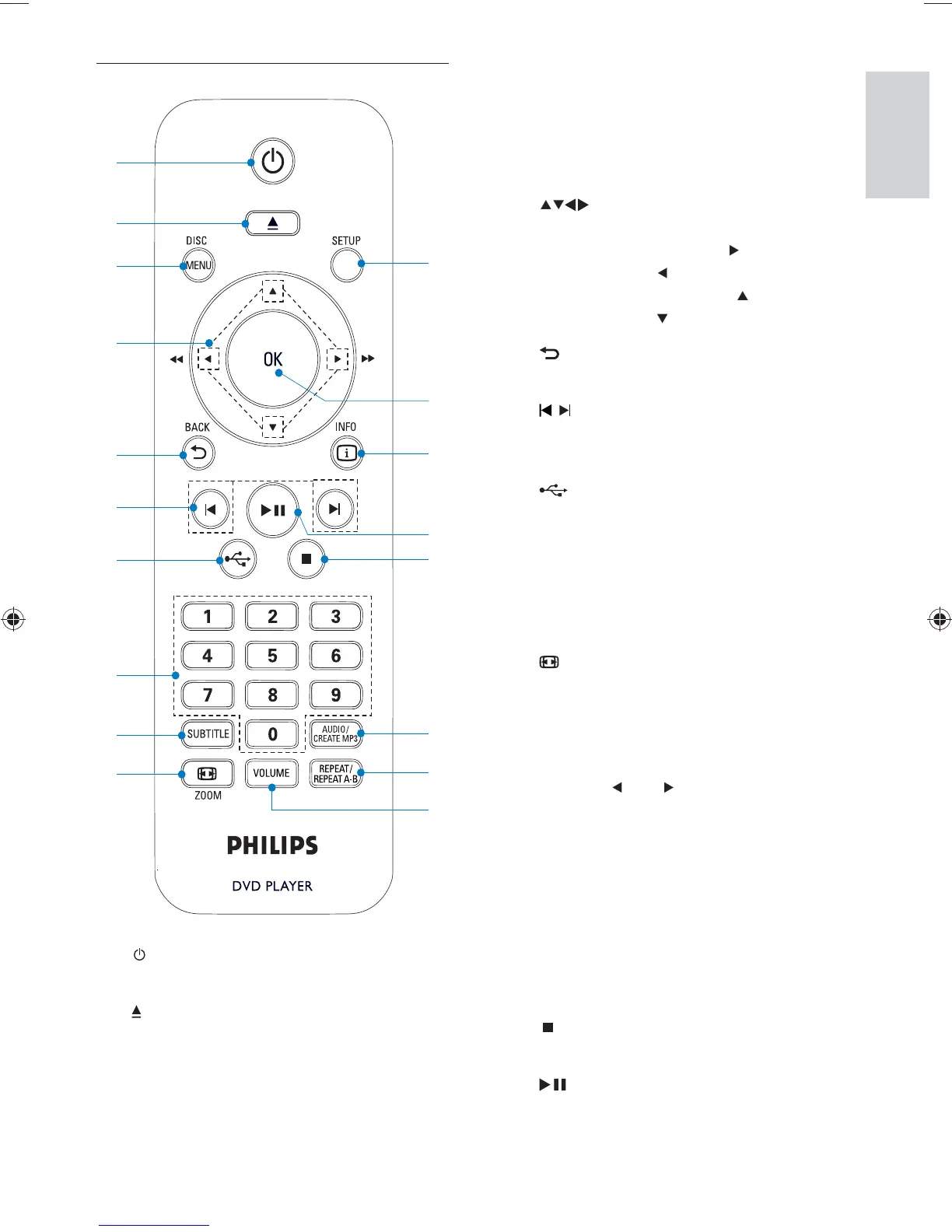
c DISC MENU
Access or exit the disc menu. •
Switch to the disc mode.•
For VCD and SVCD, turn on or off •
PBC (playback control).
d
Navigate the menus.•
Search fast-forward ( •
) or fast-
backward (
).
Search slow-forward ( •
) or slow-
backward (
).
e
BACK
Return to the previous display menu.•
f
/
Skip to the previous or next title, •
chapter, or track.
g
Switch to the USB mode.•
h Numeric buttons
Select an item to play.•
i SUBTITLE
Select a subtitle language on a disc. •
j
ZOOM
Fit the piture display to the TV screen.•
Zoom the picture in or out.•
k VOLUME
Display the current volume level and •
use (
) or ( ) navigation buttons to
set the volume level between 0 ~ 20.
l REPEAT / REPEAT A-B
Select or turn off repeat mode.•
Repeat play for a speci c section.•
m AUDIO/CREATE MP3
Select an audio language or channel •
on a disc.
Access the menu of creating MP3 les.•
n
Stop play.•
o
Start, pause or resume disc play.•
Remote control
a
Turn on the unit or switch to standby.•
b
Open or close the disc compartment. •
a
b
c
e
f
g
h
i
j
d
n
o
m
l
k
p
r
q
English
EN
(1LQGG6HF(1LQGG6HF



 To Next Page