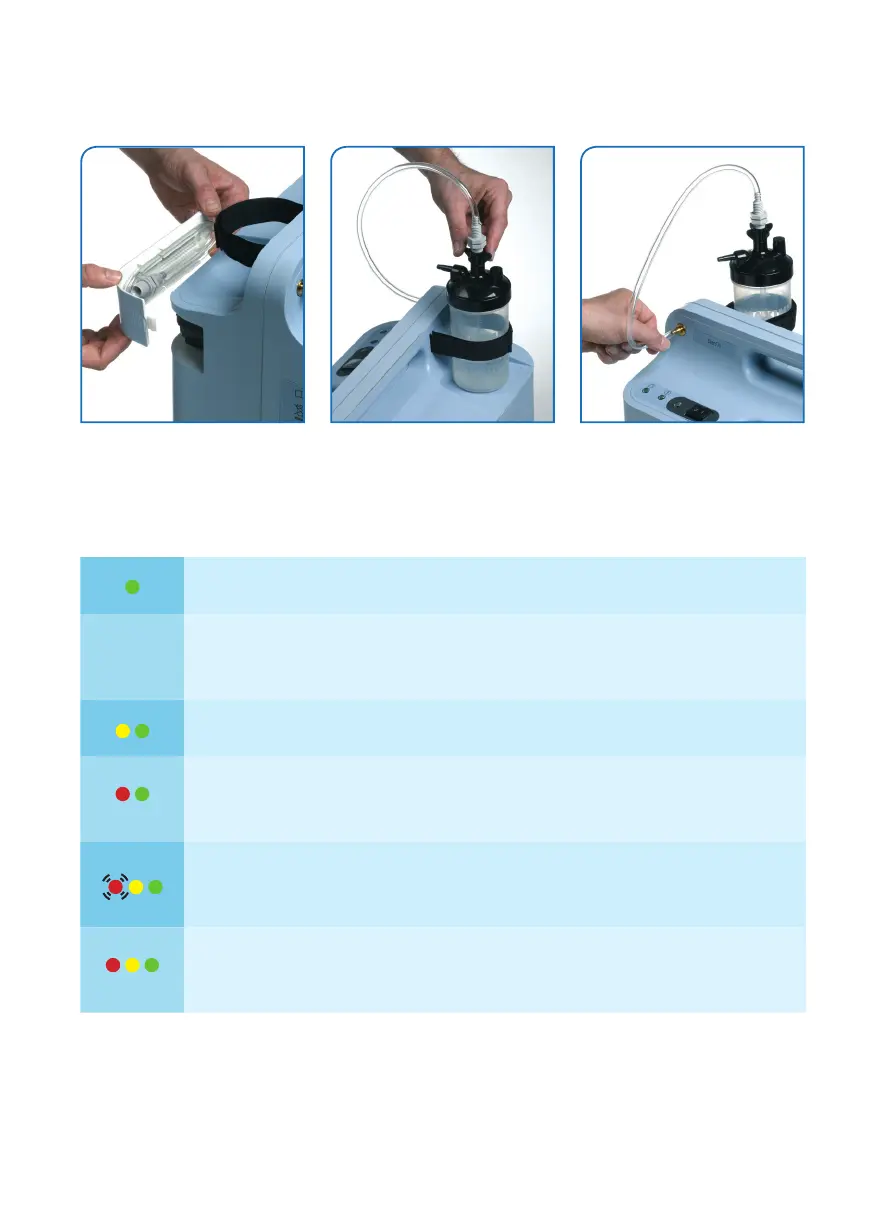
How to connect your humidifier?
1. Use the tube on the filter door. 2. Connect the tube to the bottle. 3. Connect the other end to
the oxygen outlet.
Alarms
The device is turned on and working properly.
Audible
Alarm only
Check to see if the device is plugged in or if there is a power failure.
Low oxygen condition: continue to use the unit but call your homecare provider.
Turn the device off, wait 5 min and on again.
If condition persists, turn the unit off and call your provider.
Turn off the unit: check power cord is plugged, check flow meter knob, check
nasal cannula, check humidifier connection.
Turn off the device, connect to a back up oxygen source and call your homecare
provider.
If alarm condition persists, connect to a back up oxygen source and
call your homecare provider.
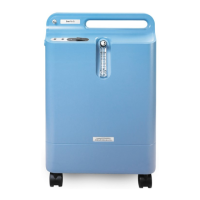
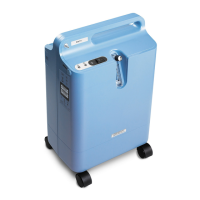
This guide is intended to be a quick reference tool for use of the EverFlo. It does not replace the EverFlo User
Manual, which provides more complete information and instructions.




 To Previous Page