22
English
Fast track select
In the stop position, you can select tracks from your
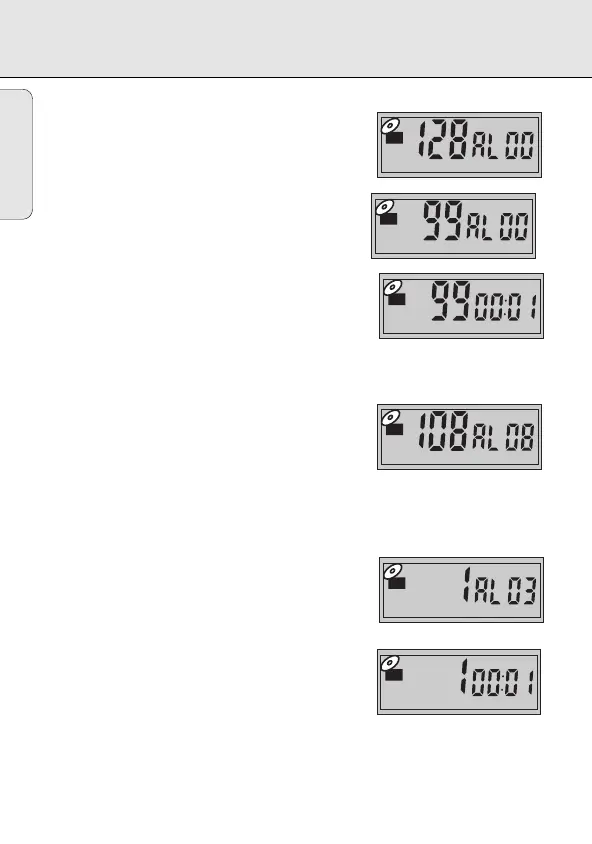
album (AL 00). The display will show the total number
of tracks, and AL 00.
1. Press 5or 6 briefly and repeatedly until the
display shows the desired track number. If you wish,
hold 5or 6 to search tracks at high speed.
2. Press 2 to start playback.
Fast album select
In the stop position, you can select an album if your
root directory holds more than one directory. The display
will show the total number of tracks, and the total
number of albums.
1. Press and hold 5or 6until you reach the album
you want. Release 5or 6.
2. Press 2 to start playback.
y Playback starts from the first track of your
selected album.
3. If you wish to start playback from another track
within the album, press 5or 6 briefly and
repeatedly until the display shows the desired track
number.
MP3-CD PLAYBACK
EXP101/17 eng 28/11/00 8:56 Page 22








 To Next Page