Method 2:
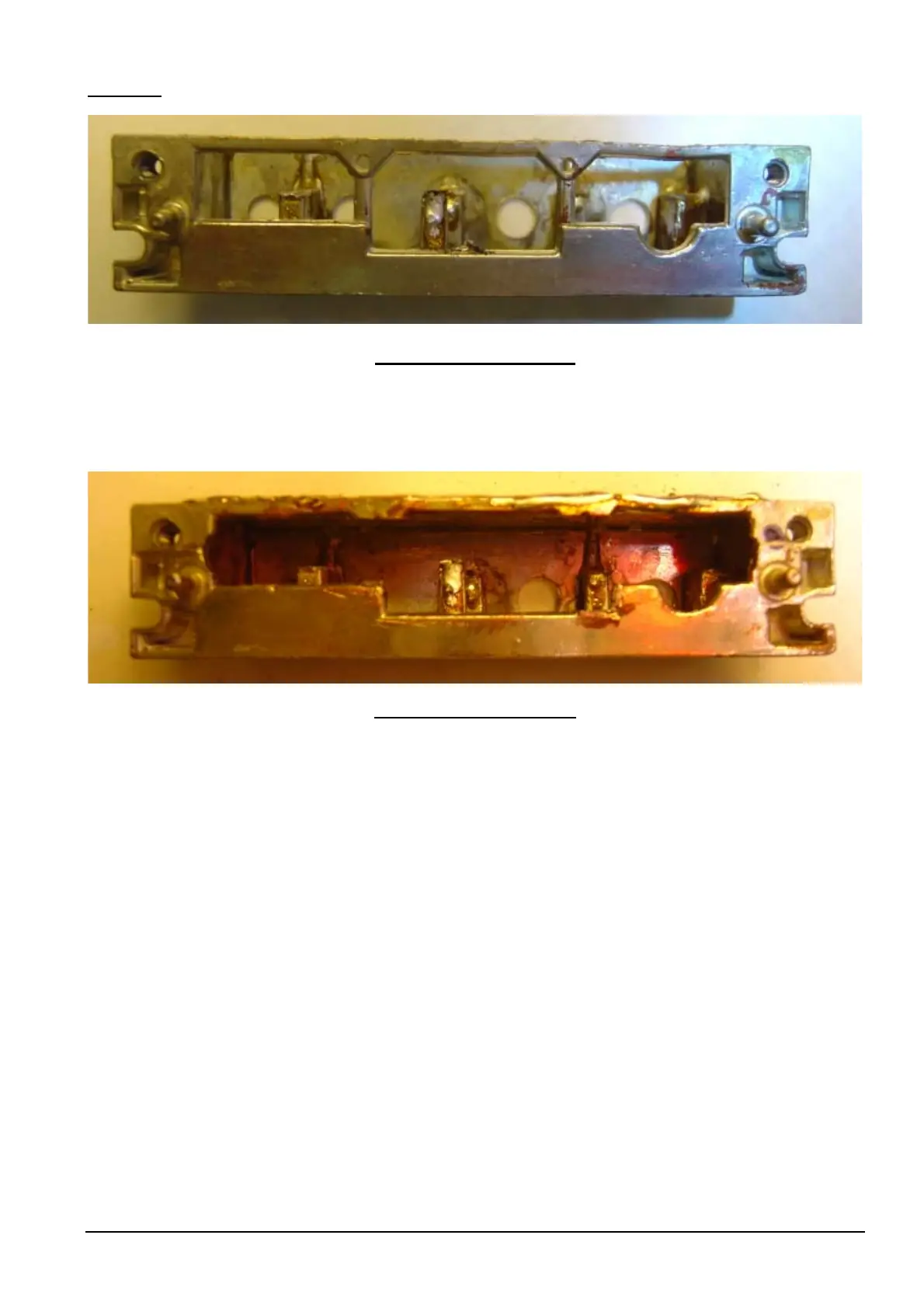
VCO Module Case Uncut
6: Cut VCO Module Case so the case will fit over the PCB, after the VCO PCB has been soldered into the Main
Receiver Board. Use tin snips, files or/and Dremell tool with grinder tip, use a round file to enable coils to be
accommodated through case when placing case over PCB. See picture below.
VCO Module Case Modified
7. Clean the receiver board [where the VCO PCB plugs in] with mentholated spirits and a tooth brush. If the
holes are not clear, clear with a solder sucker, solder wick, etc.
8: Plug in VCO PCB into the Receiver Board and check that it is upright. Solder the VCO PCB to the board.
Check that the soldering is ok. Clean the back of the receiver board with mentholated spirits where you have
just soldered.
See picture below.
Philips FM92E Conversion to 6 Meters: Version 3.9 Page 33



 To Next Page