EasyManua.ls Logo

Philips FR 910 - Using the Remote Control

Philips FR 910
25 pages
Print Icon
To Next Page IconTo Next Page
To Previous Page IconTo Previous Page
Loading...
6
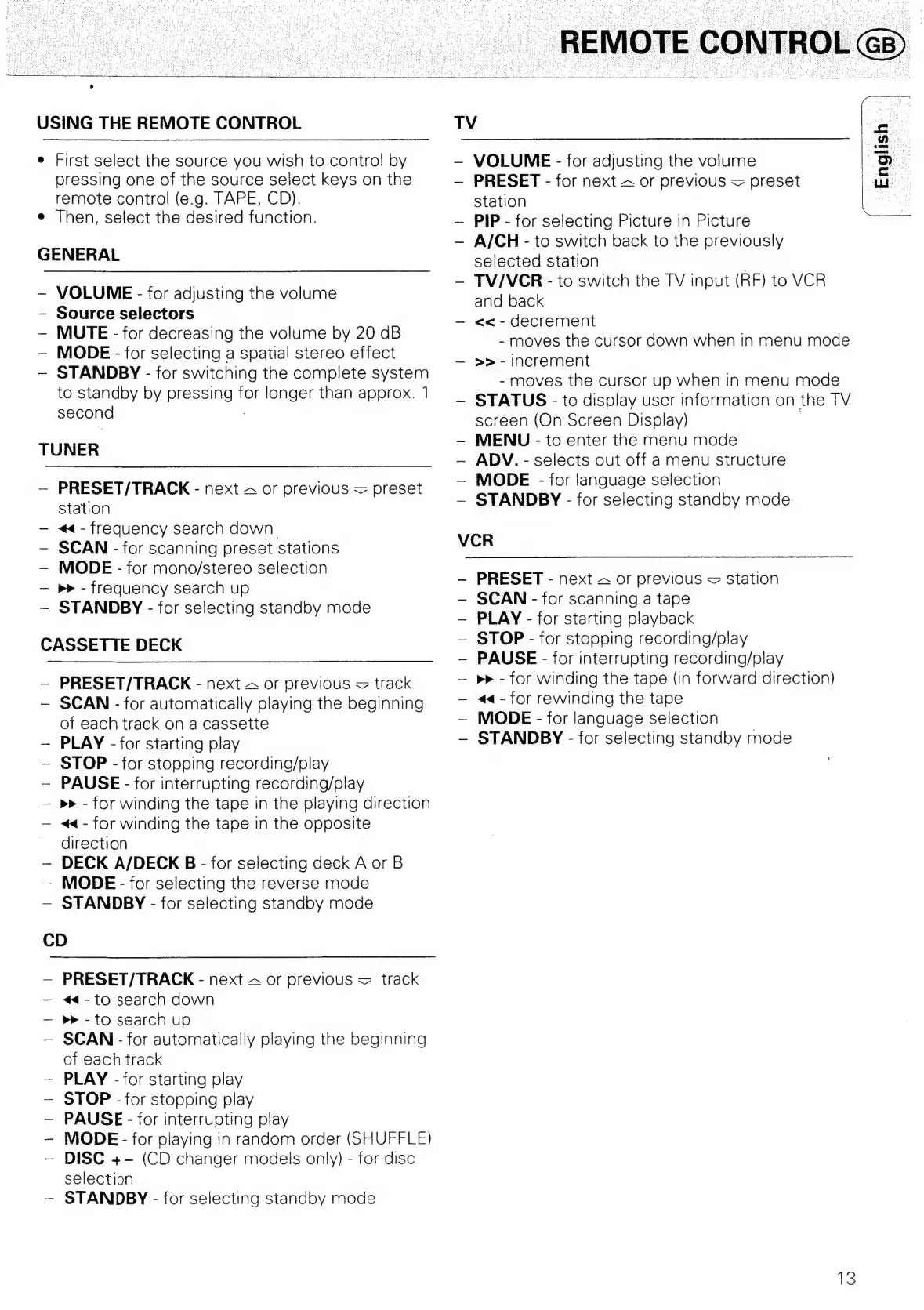
USING
THE
REMOTE
CONTROL
First
select
the
source
you
wish
to
control
by
pressing
one
of
the
source
select
keys
on
the
remote
control
(e.g.
TAPE,
CD).
Then,
select
the
desired
function.
GENERAL
VOLUME
-
for
adjusting
the
volume
Source
selectors
MUTE
-
for
decreasing
the
volume
by
20
dB
MODE
-
for
selecting
a
spatial
stereo
effect
STANDBY
-
for
switching
the
complete
system
to
standby
by
pressing
for
longer
than
approx.
1
second
)
TUNER
|
PRESET/TRACK
-
next
&
or
previous
=
preset
Station
<<
-
frequency
search
down
SCAN
-
for
scanning
preset
stations
MODE
-
for
mono/stereo
selection
p>
-
Trequency
search
up
STANDBY
-
for
selecting
standby
mode
CASSETTE
DECK
PRESET/TRACK
-
next
&
or
previous
=
track
SCAN
-
for
automatically
playing
the
beginning
of
each
track
on
a
cassette
PLAY
-
for
starting
play
STOP
-
for
stopping
recording/play
PAUSE
-
for
interrupting
recording/play
>>
-
for
winding
the
tape
in
the
playing
direction
4<
-
for
winding
the
tape
in
the
opposite
direction
DECK
A/DECK
B
-
for
selecting
deck
A
or
B
MODE
-
for
selecting
the
reverse
mode
STANDBY
-
for
selecting
standby
mode
CD
PRESET/TRACK
-
next
&
or
previous
=
track
<<
-
to
search
down
>>
-
to
search
up
SCAN
-
for
automatically
playing
the
beginning
of
each
track
PLAY
-for
starting
play
STOP
-
for
stopping
play
PAUSE
-
for
interrupting
play
MODE
-
for
playing
in
random
order
(SHUFFLE)
DISC
+-
(CD
changer
models
only)
-
for
disc
selection
STANDBY
-
for
selecting
standby
mode
TV
VOLUME
-
for
adjusting
the
volume
PRESET
-
for
next
2
or
previous
=
preset
station
PIP
-
for
selecting
Picture
in
Picture
A/CH-
to
switch
back
to
the
previously
selected
station
|
TV/VCR
-
to
switch
the
TV
input
(RF)
to
VCR
and
back
~—
<<
-
decrement
-moves
the
cursor
down
when
in
menu
mode
>>
-
increment
-
moves
the
cursor
up
when
in
menu
mode
~
STATUS
-
to
display
user
information
on
the
TV
screen
(On
Screen
Display)
.
MENU
-
to
enter
the
menu
mode
ADV.
-
selects
out
off
a
menu
structure
MODE
-
for
language
selection
—~
STANDBY
-
for
selecting
standby
mode:
VCR
PRESET
-
next
4
or
previous
=
station
SCAN
-
for
scanning
a
tape
PLAY
-
for
starting
playback
STOP
-
for
stopping
recording/play
PAUSE
-
for
interrupting
recording/play
p>
-
for
winding
the
tape
(in
forward
direction)
<¢4-
for
rewinding
the
tape
~
MODE
-
for
language
selection
STANDBY
-
for
selecting
standby
mode
iS

Related product manuals