EasyManua.ls Logo

Philips FR 910 - Sound Control; Source Selection; Automatic Tuning

Philips FR 910
25 pages
Print Icon
To Next Page IconTo Next Page
To Previous Page IconTo Previous Page
Loading...
SOUND
CONTROL
e
Adjust
the
sound
volume
with
VOLUME
8.
e
Adjust
the
stereo
balance
between
the
left
and
the
right
channels
with
BALANCE
7.
Adjust
the
bass
tones
with
BASS
4
and
the
high
tones
with
TREBLE
4.
WARNING:
Extreme
settings
at
high
volume
may
damage
your
loudspeakers!
Press
SPATIAL
2.
tf
you
want
to
extend
the
stereo
effect
to
a
spatial
stereo
sound.
Press
LOUDNESS
9
if
you
want
to
increase
the
bass
&
treble
response
at
low
volume
settings.
Press
MUTE
11
if
you
want
to
decrease
the
volume
by
20
dB.
Press
FM
MODE
14
if
you
want
to
receive
mona
reception
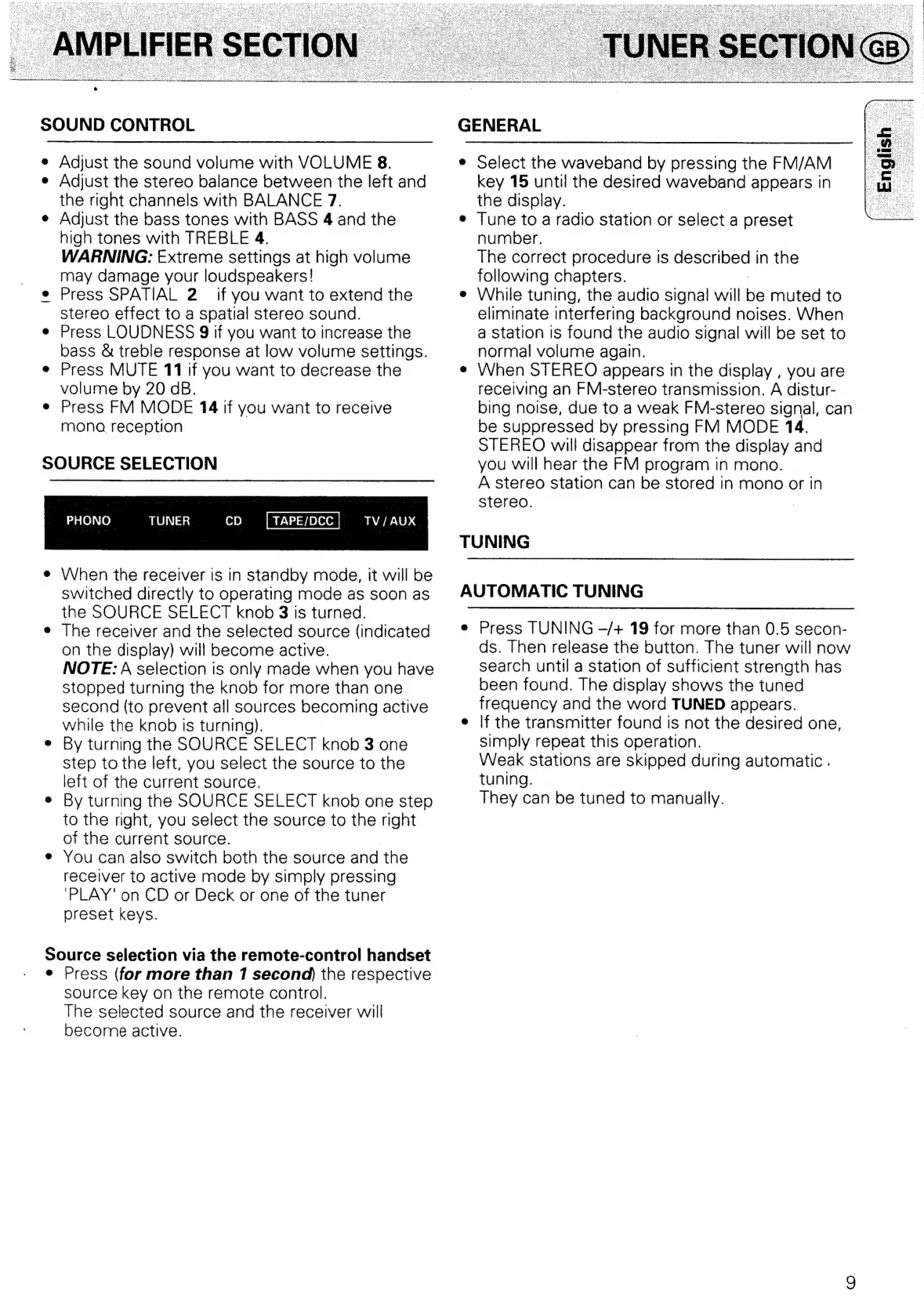
SOURCE
SELECTION
PHONO
TUNER
CD
TV
/
AUX
When
the
receiver
is
in
standby
mode,
it
will
be
switched
directly
to
operating
mode
as
soon
as
the
SOURCE
SELECT
knob
3
is
turned.
The
receiver
and
the
selected
source
(indicated
on
the
display)
will
become
active.
NOTE:
A
selection
is
only
made when
you
have
Stopped
turning
the
knob
for
more
than
one
second
(to
prevent
all
sources
becoming
active
while
the
knob
Is
turning).
By
turning
the
SOURCE
SELECT
knob
3
one
Step
to
the
left,
you
select
the
source
to
the
left
of
the
current
source.
By
turning
the
SOURCE
SELECT
knob
one
step
to
the
right,
you
select
the
source
to
the
right
of
the
current
source.
You
can
also
switch
both
the
source
and
the
receiver
to
active
mode
by
simply
pressing
‘PLAY’
on
CD
or
Deck
or
one
of
the
tuner
preset
keys.
Source
selection
via
the
remote-control
handset
Press
(for
more
than
1
second)
the
respective
source
key
on
the
remote
control.
The
selected
source
and
the
receiver
will
become
active.
GENERAL
select
the
waveband
by
pressing
the
FM/AM
key
15
until
the
desired
waveband
appears
in
the
display.
|
Tune
to
a
radio
station
or
select
a
preset
number.
The
correct
procedure
is
described
in
the
following
chapters.
While
tuning,
the
audio
signal
will
be
muted
to
eliminate
interfering
background
noises.
When
a
station
is
found
the
audio
signal
will
be
set
to
normal
volume
again.
When
STEREO
appears
in
the
display
,
you
are
receiving
an
FM-stereo
transmission.
A
distur-
bing
noise,
due
to
a
weak
FM-stereo
signal,
can
be
suppressed
by
pressing
FM
MODE
14.
STEREO
will
disappear
from
the
display
and
you
will
hear
the
FM
program
in
mono.
A
stereo
station
can
be
stored
in
mono
or
in
stereo.
TUNING
AUTOMATIC
TUNING
Press
TUNING
—/+
19
for
more
than
0.5
secon-
ds.
Then
release
the
button.
The
tuner
will
now
search
until
a
station
of
sufficient
strength
has
been
found.
The
display
shows
the
tuned
frequency
and
the
word
TUNED
appears.
lf
the
transmitter
found
Is
not
the
desired
one,
simply
repeat
this
operation.
Weak
stations
are
skipped
during
automatic
.
tuning.
They
can
be
tuned
to
manually.

Related product manuals