5
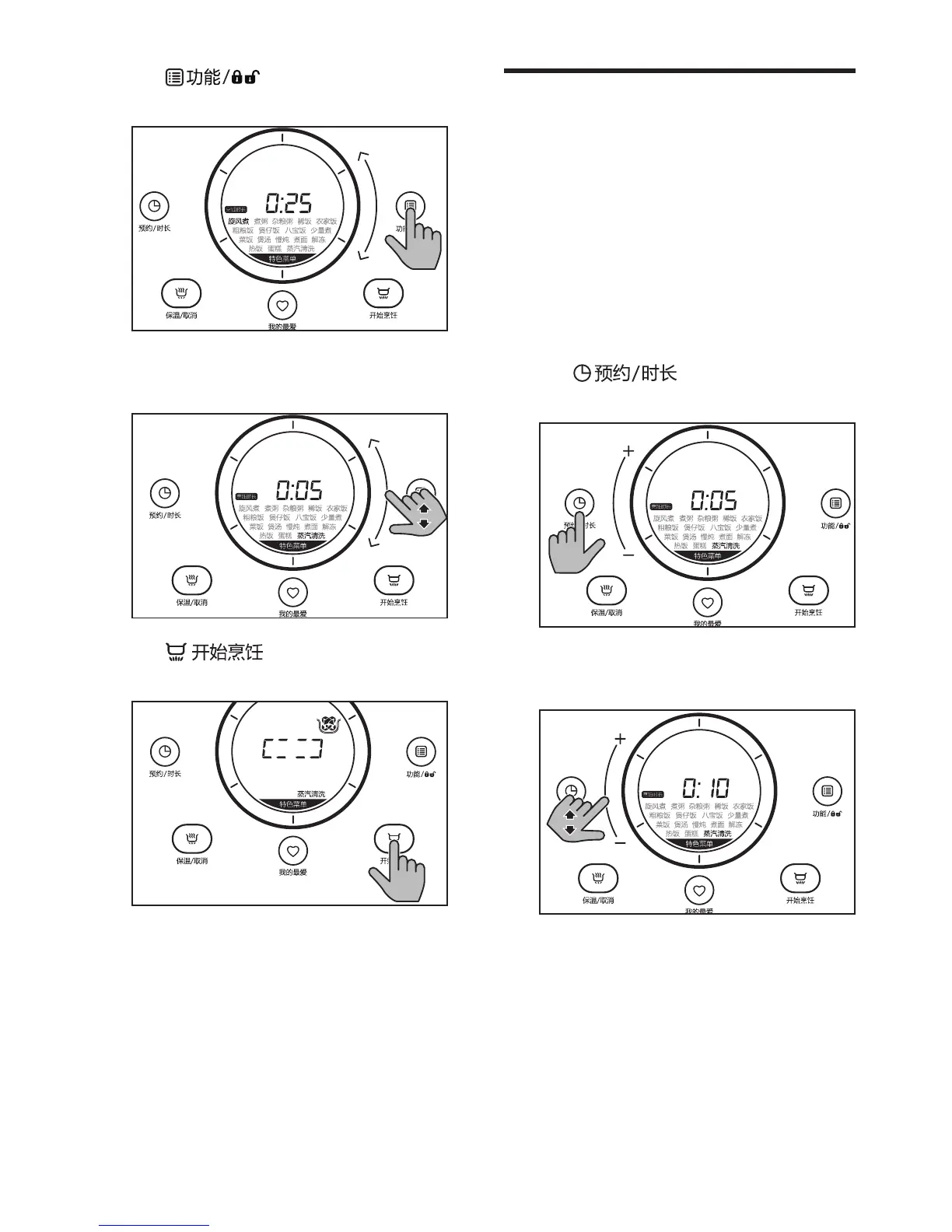
Tap until the specialty
menu is selected.
6
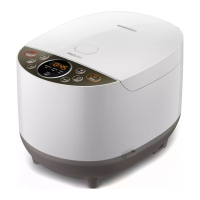
Slide on the bar until the menu you
need is selected.
7
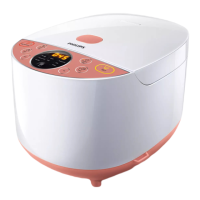
Tap to start the cooking
process.
8
When the cooking is nished, the
appliance beeps, and switches to
standby mode automatically.
9
Wait until the appliance has
cooled down to do the cleaning
(refer to chapter 6 "Cleaning and
Maintenance").
Setthecookingtime
You can set the cooking time for some
menus, including "cooking congee", "cooking
congee with grains", "cooking gruel",
"making soup", "slow cooking", "cooking
noodle", "reheating", "defrosting" and "steam
cleaning". Refer to the cooking time table
in each chapter for the detailed regulating
range.
1
Choose the menu you need.
2
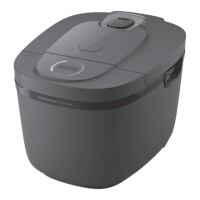
Tap until
烹饪时长
is
displayed on the screen.
3
Slide on the bar to select the cooking
time you need.



 To Next Page