13EN
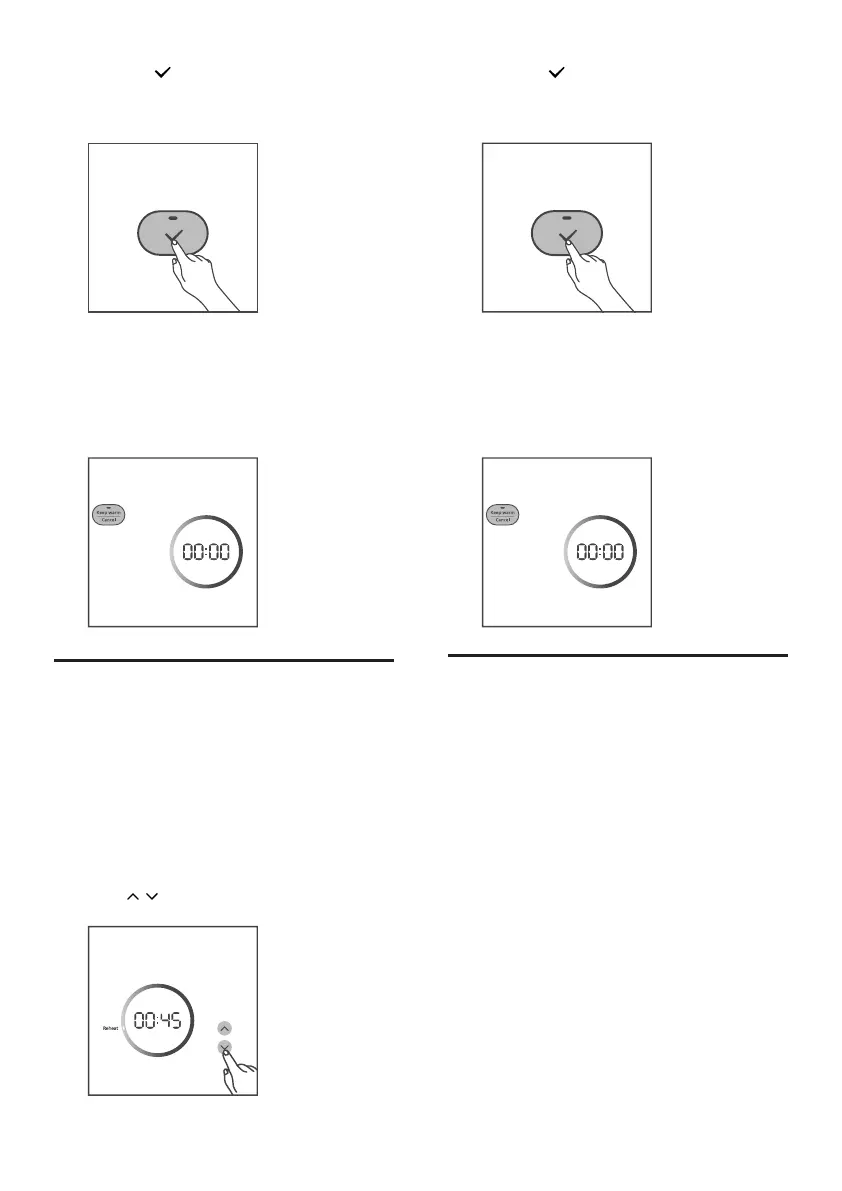
4 Press the button to conrm, the Rice
cooker starts working in the selected
mode.
5 When the cooking is nished, the cooking
indicator will be o.
» The rice cooker switches to the keep
warm mode automatically, and the
keep warm indicator lights up.
Reheat
1 Loosen the cooled food and evenly
distribute it in the inner pot.
2 Pour some water onto the food to prevent
it from becoming too dry. The quantity of
the water depends on the amount of food.
3 Close the lid, and put the plug in
the power socket, and switch on the
appliance.
4 Press / button to chooseReheat.
5 Press the button to conrm, the Rice
cooker starts working in the selected
mode.
6 When the cooking is nished, the cooking
indicator will be o.
» The rice cooker switches to the keep
warm mode automatically, and the
keep warm indicator lights up.
Steaming food
1 Measure a few cups of water with the
measuring cup.
2 Pour the water into the inner pot.
3 Put the steam basket into the inner pot.
4 Put the food into the steam basket.
5 Follow the steps in “Preparations before
cooking”.


 To Next Page