15EN
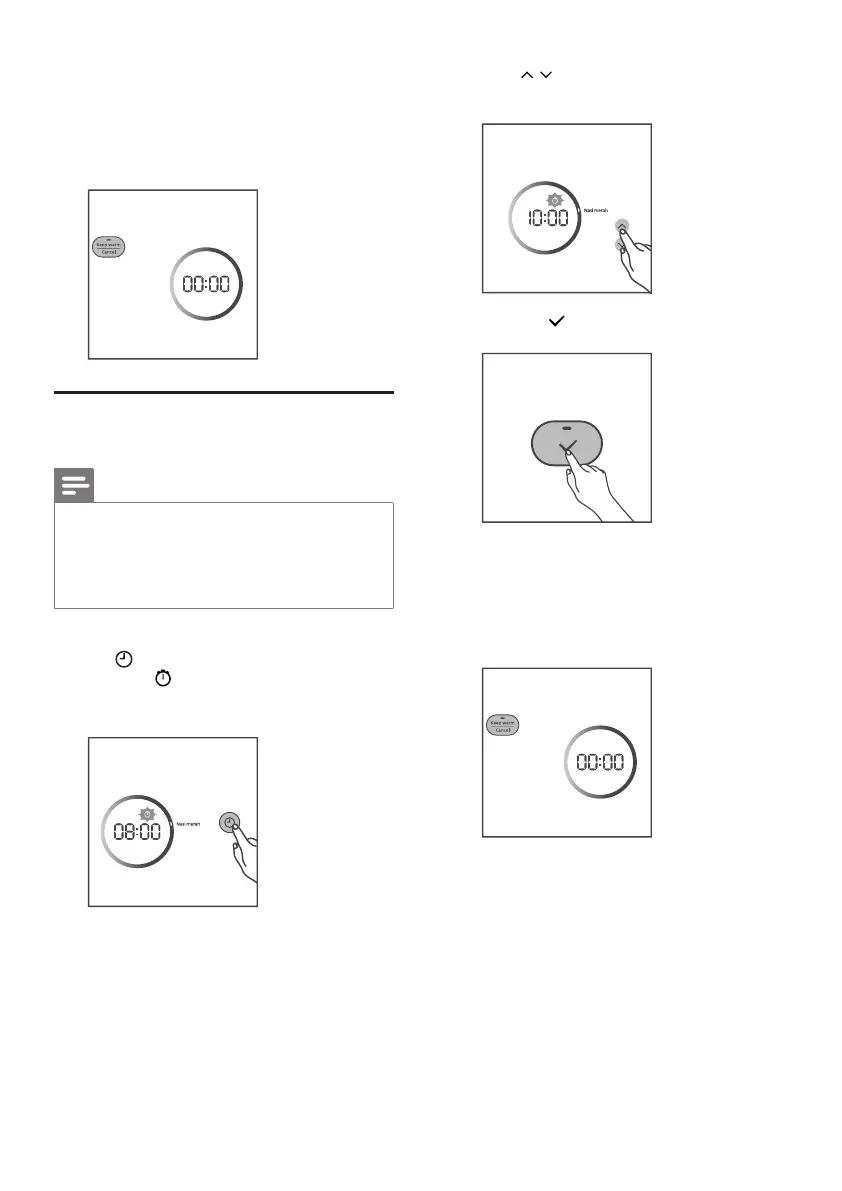
2 Press / button to set the delayed
cooking time.
3 Press the button to conrm.
4 After the preset time has elapsed, the
cooking process will be nished.
» The rice cooker switches to the keep
warm mode automatically, and the
keep warm indicator lights up.
4 When the cooking is nished, the cooking
indicator will be o.
» The rice cooker switches to the keep
warm mode automatically, and the
keep warm indicator lights up.
Adjustthepresettime
Note
• The cooking process will be nished by
the time the preset time has elapsed. If
the preset time you set is shorten than
the cooking time, the appliance will start
the cooking process immediately.
1 After you choose a desired function, press
the button repeatedly until the time
indicator displays on the screen.
» The cooking time blinks.


 To Next Page