14 EN
6 Pour some water onto the food to prevent
it from becoming too dry. The quantity of
the water depends on the amount of food.
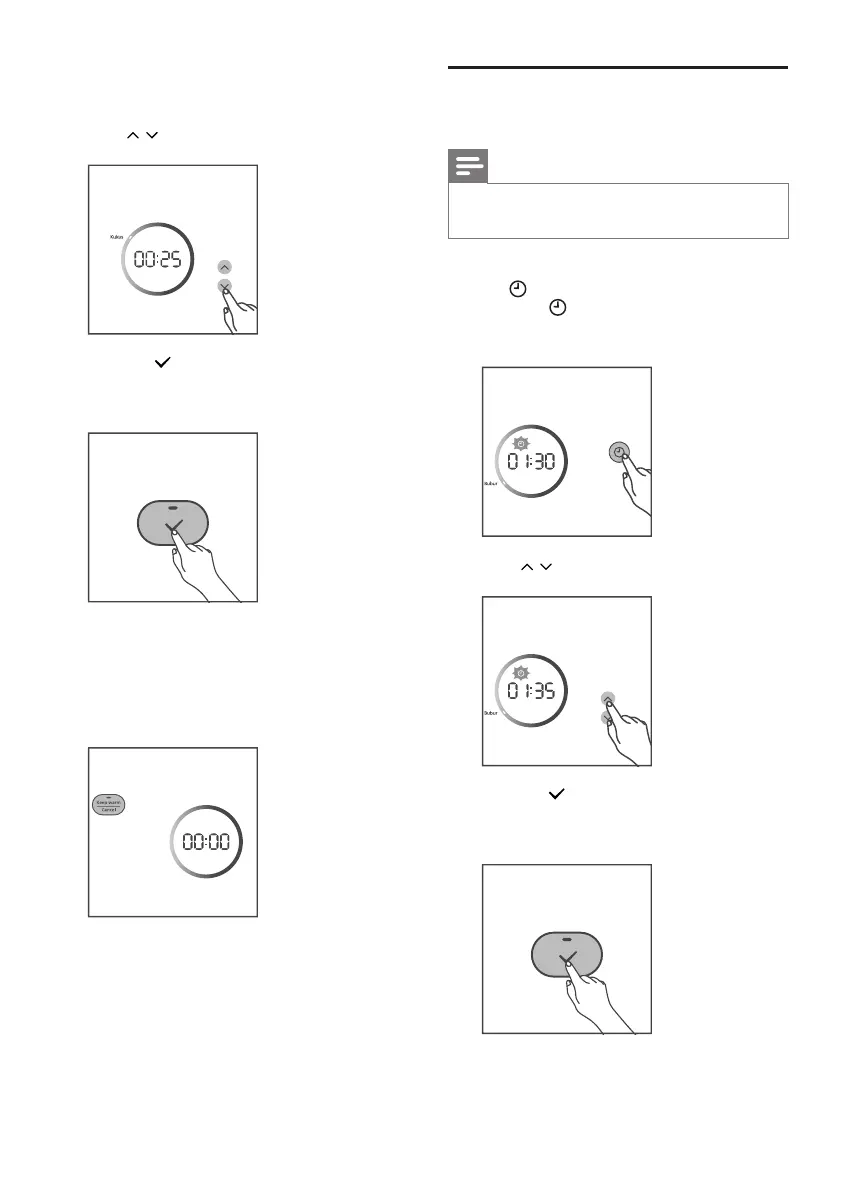
7 Press / button to choose Steam.
8 Press the button to conrm, the Rice
cooker starts working in the selected
mode.
9 When the cooking is nished, the cooking
indicator will be o.
» The rice cooker switches to the keep
warm mode automatically, and the
keep warm indicator lights up.
Adjustthecookingtime
Note
• You can adjust the cooking time for
Congee, Sponge cake and Steam only.
1 After you choose a desired function, press
the button repeatedly until the time
indicator displays on the screen.
» The cooking time blinks.
2 Press / button to set the time.
3 Press the button to conrm, the Rice
cooker starts working in the selected
mode.


 To Next Page