6-8
PHILIPS MEDICAL SYSTEMS
REVISING SETUP
There are several ways to change the setup of your HeartStart FR2+. All of
them require use of products or accessories available separately from Philips
Medical Systems.
Use the M3864A Training & Administration Pack to enable software within
the FR2+ to modify its setup. (Instructions are provided with the Pack.)
Read a revised setup from a data card containing the setup. (Instructions are
provided later in this chapter.)
Use the infrared communications feature of the FR2+ to receive the revised
setup from another FR2+. (Instructions are provided later in this chapter.)
CAUTION:Alteration of the factory default setup of the FR2+ can affect its
performance and should be performed under the authorization of your
Medical Director. Modifications to device operation resulting from changes
to the default settings should be specifically covered in user training.
See the tables describing the various setup parameters at the beginning of this
chapter and Appendix D for definitions of setup items.
RECEIVING SETUP
This method uses the infrared communications feature of the HeartStart FR2+
to receive setup directly from one HeartStart FR2+ (which must have the
Training & Administration Pack installed in it) to another. To receive setup from
another FR2+, follow these steps:
1. Locate the infrared communications port on each HeartStart FR2+ and line
them up with one another, so that the infrared “eye” in each one has an
uninterrupted view of the “eye” in the other. (See the diagram on the inside
front cover.) The two devices should be no more than 1 meter apart.
2. Make sure the “sending” FR2+ has the Training & Administration Pack
installed and is ready to send. (See the M3864A Training & Administration
Pack Instructions for Use for directions.)
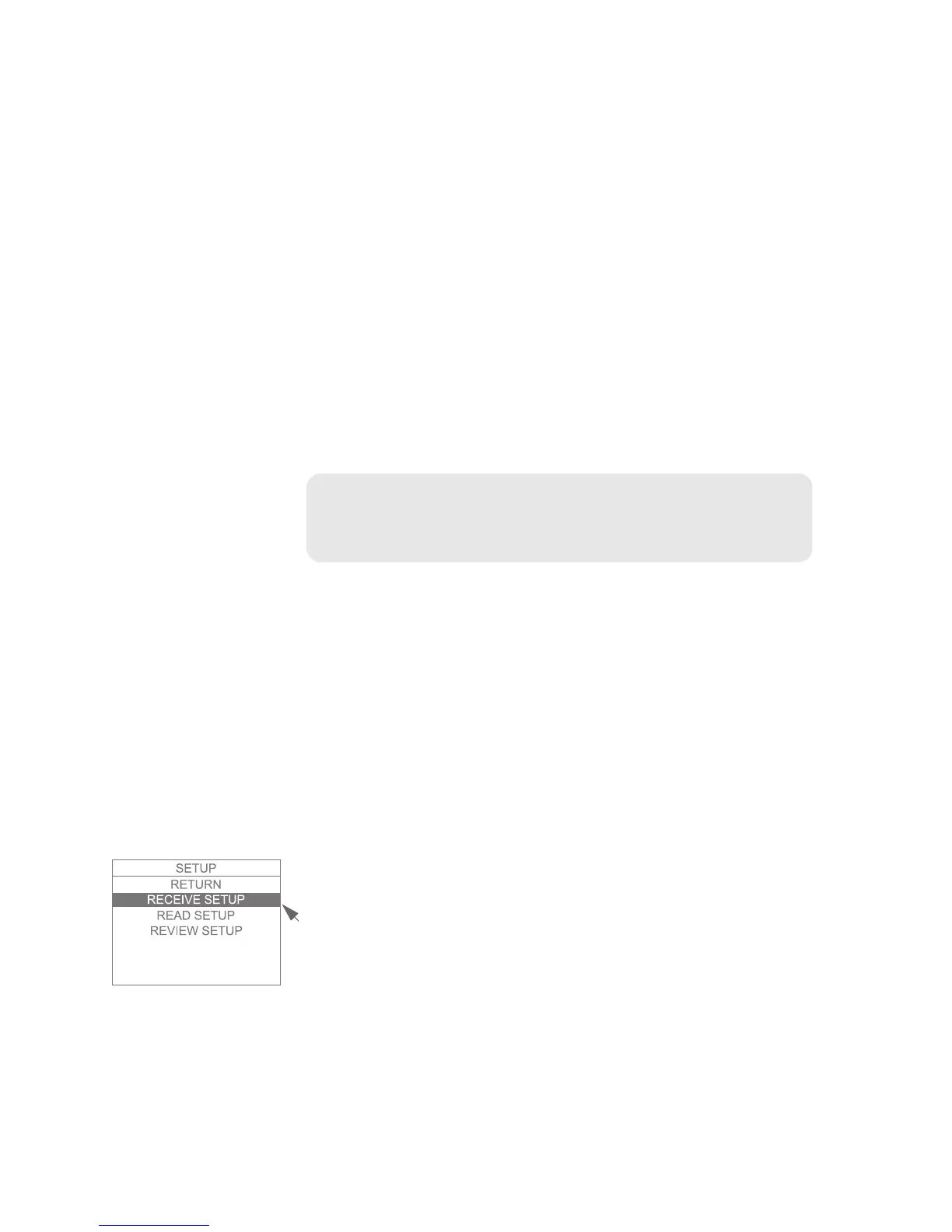
3. Select RECEIVE SETUP from the setup menu:



 To Next Page