6-9
PHILIPS MEDICAL SYSTEMS
6
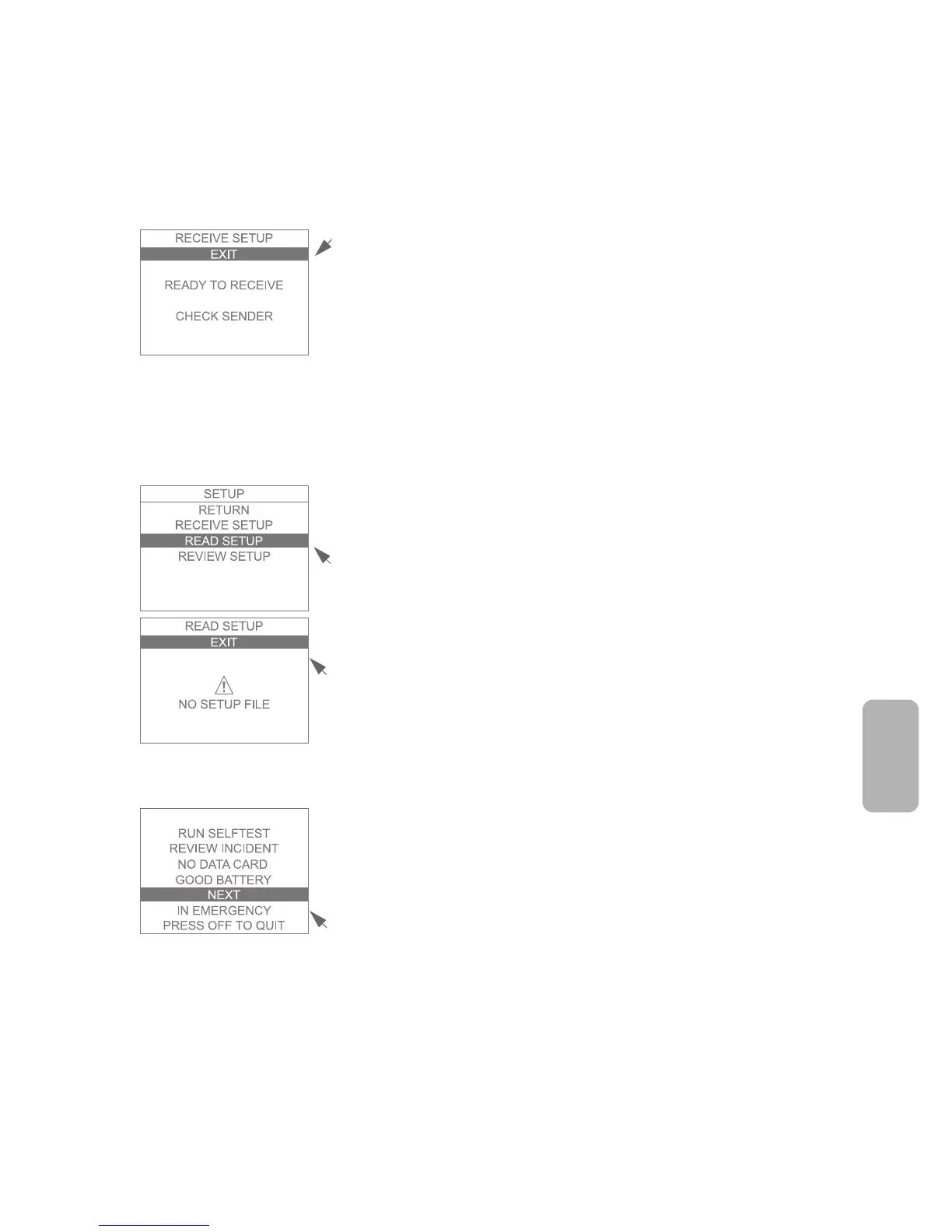
4. A new screen comes up. Until the two HeartStart FR2+ devices are
properly positioned, the screen displays READY TO RECEIVE and prompts
you to check the sending FR2+.
5. Setup data are automatically transferred as soon as the infrared ports are
correctly aligned.
6. If you select EXIT before the transfer is complete, the revised setup will not
be received. When the transfer is complete, the screen on the “receiving”
FR2+ displays a SETUP COMPLETE message. Your HeartStart FR2+
immediately uses the new setup.
READING SETUP
This method copies setup data from a data card to your HeartStart FR2+. To
read the setup, follow these steps:
1. Insert the data card in the data card tray and install the loaded tray into the
data card slot in the FR2+, then insert the battery.
2. Select READ SETUP from the setup menu.
3. A new screen comes up. If the FR2+ cannot read the data card or cannot
find a valid setup on the data card, the screen displays a NO SETUP FILE
error message. Otherwise, the FR2+ begins reading the setup information
from the data card immediately.
4. If you select EXIT before the transfer is complete or if the data card is not
fully inserted into the FR2+, the revised setup will not be copied. When the
transfer is finished, the screen displays a SETUP COMPLETE message. Your
FR2+ immediately uses the revised setup.
SENDING AND RECEIVING CLOCK SETTINGS
To synchronize the clock settings of your HeartStart FR2+ with the clock of
another FR2+, you can use the infrared communications feature.
To transfer clock settings from one FR2+ to another:
1. Remove and reinstall the battery of both FR2+ devices to bring up the first
menu screen.
2. Select NEXT to go to the second menu screen.



 To Next Page