10 EN
1 Control and play
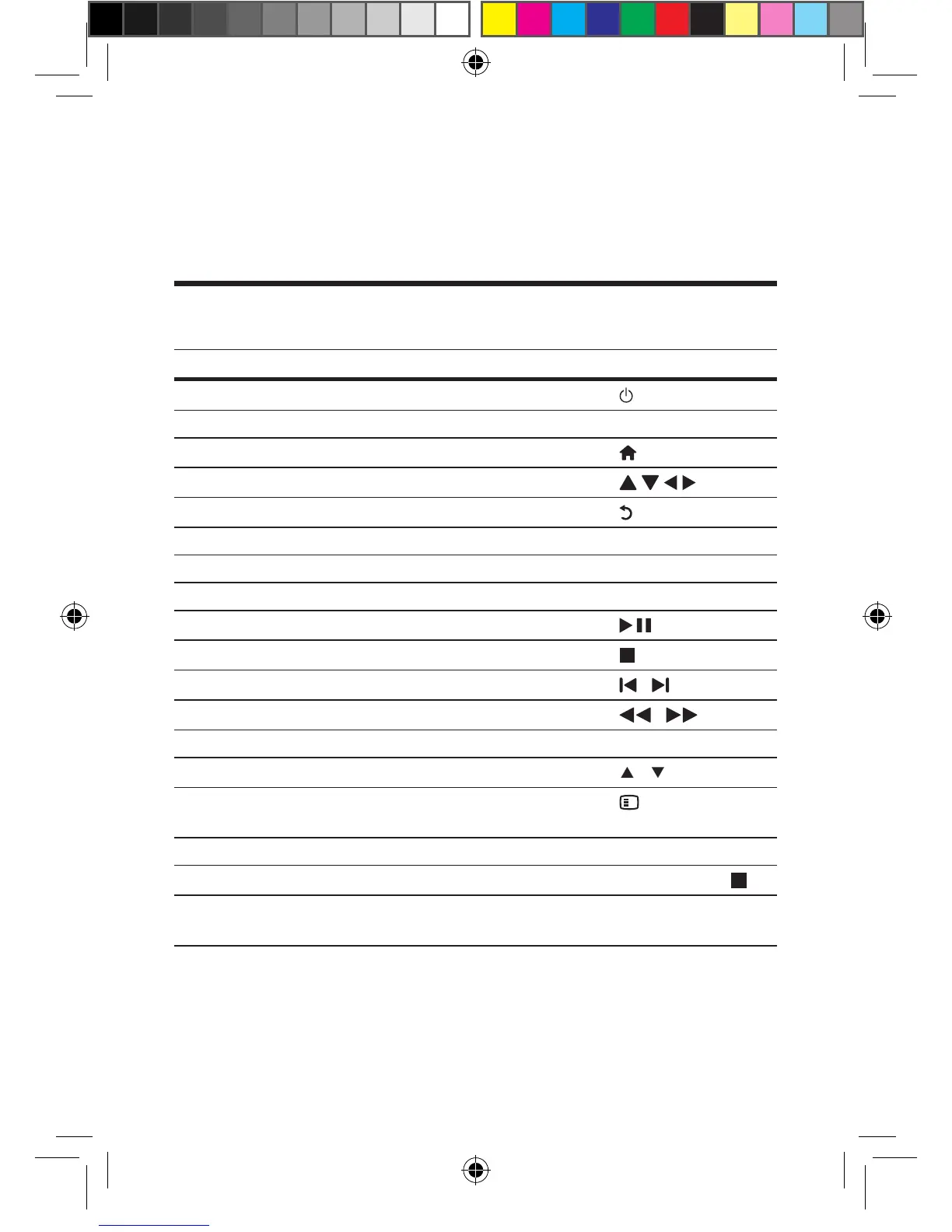
Use the remote control
Function Buttons / Actions
Switch the player on or to standby mode
Navigate between screens or through options
• Return to the Home screen
• Navigate through options
• Back one level
• Conrm the option OK
View options menu for media play or le navigation OPTIONS
Control the play
• Start, pause, or resume the play
• Stop the play
• Skip to the previous/ next media le
/
• Search backwards or forward within current le
/
• Access subtitle settings SUBTITLE
• Rotate a photo
/
• Display the information about current le during
play
• Access online videos and TV episodes from Netix Netix
Remove current connected device safely
Press and hold
Manage les/ folders under [Folder] on or between con-
nected storage devices
EDIT
*If there is no button press or media play on the playerfor 5 minutes, the screen
saver is activated.
*If there is no button press or media play on the playerfor 15 minutes, the device
switches to standby mode automatically except that:











 To Next Page