11EN
• You enter text on the onscreen keyboard;
• You select setup options under [Setup].
Textentry
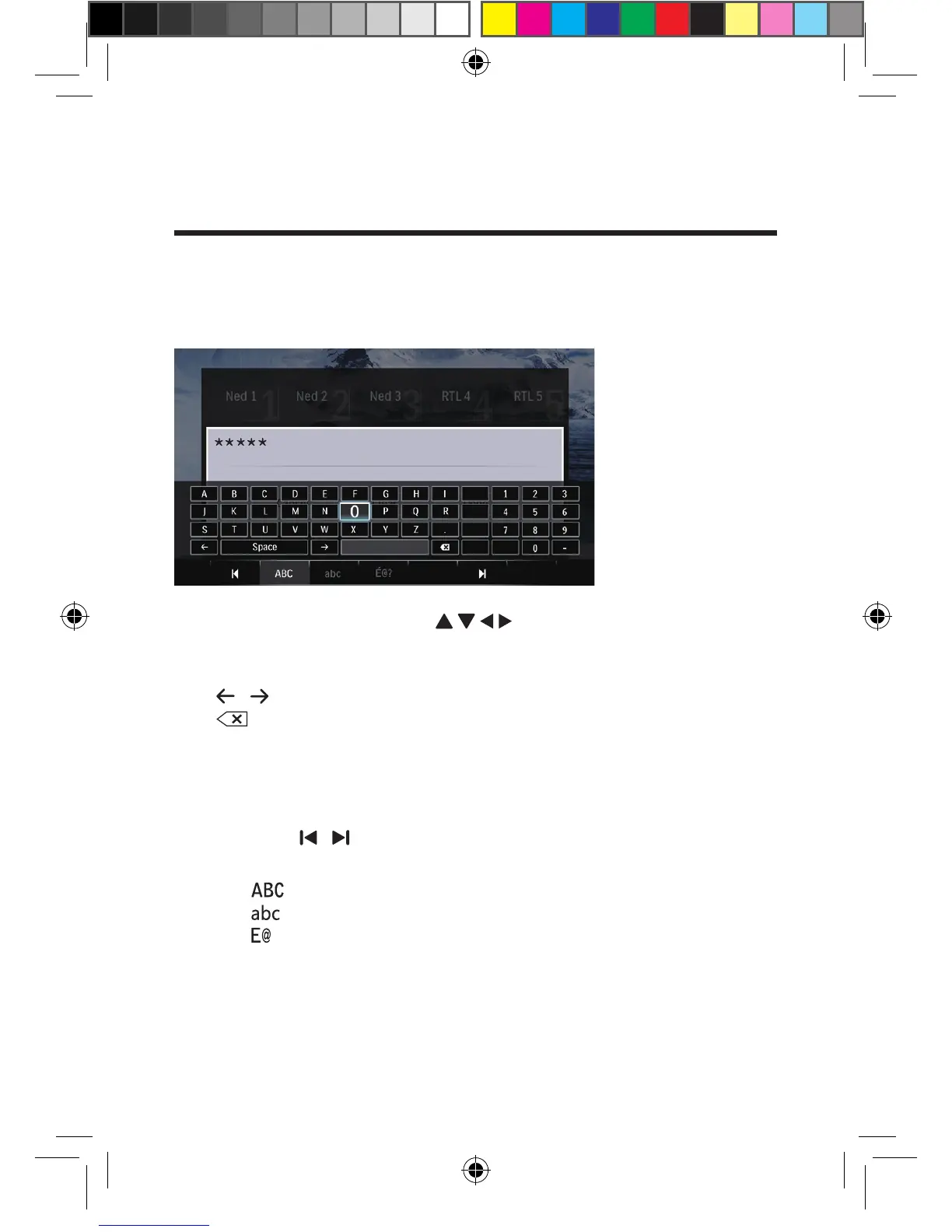
With the onscreen keyboard, use the remote control to enter text.
1 On the remote control, press to move to a key, press OK to
select the letter or symbol.
2 Do the following to select input options:
/ : Move the cursor to the left or right.
: Delete the entry before the cursor.
3 When the text entry is complete, select OK on the onscreen keyboard to
exit.
To select input mode,
• Select / on the onscreen keyboard.
» On the onscreen keyboard, current input mode is highlighted.
: English input in upper case
: English input in low case
: symbols
OK











 To Next Page