14 EN
Browseallles
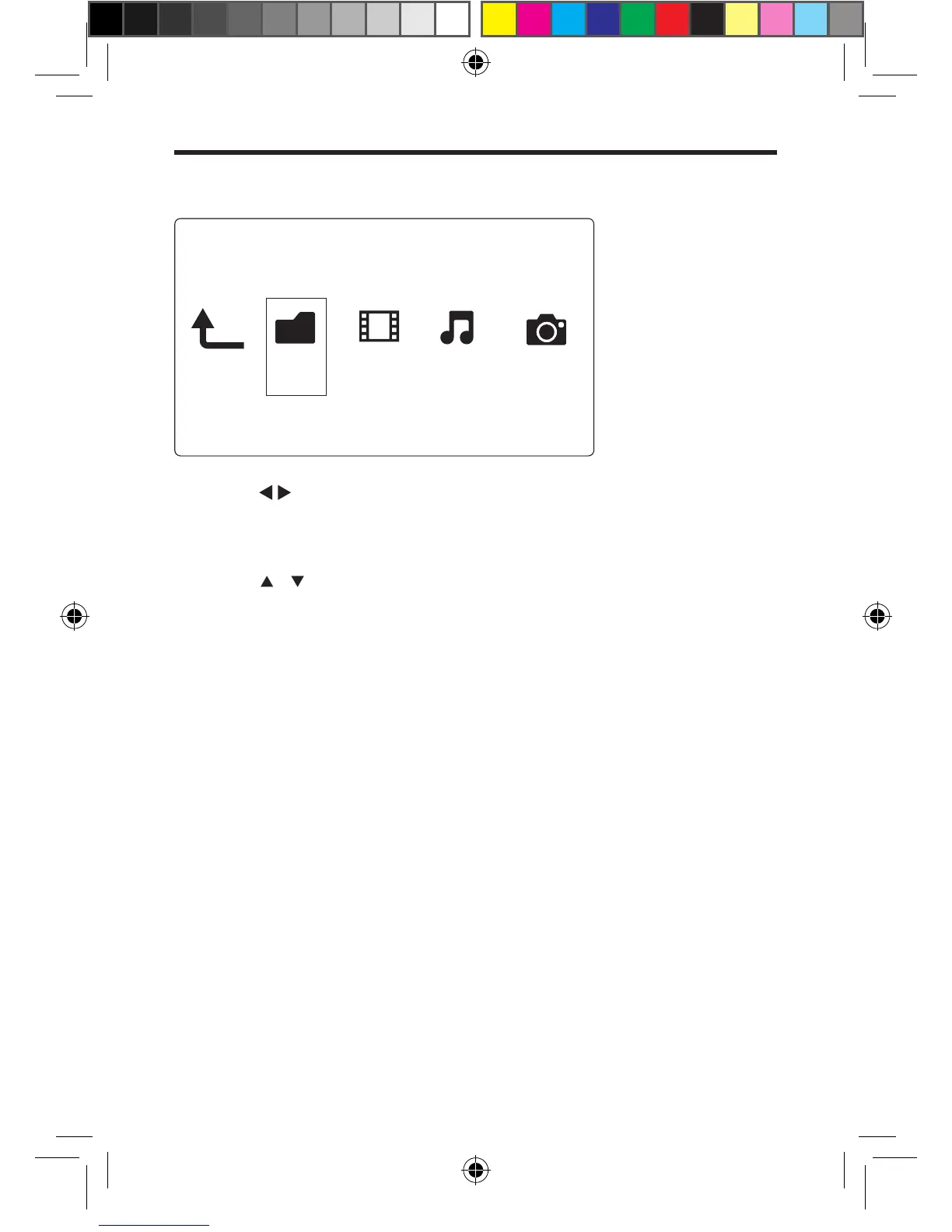
1 Press to select [Folder] and press OK to conrm.
2 Select your USB storage device and press OK.
3 Press OPTIONS in the le browser.
4 Press / to select a mode to view or arrange les.
[Thumbnails]: Display thumbnails of les or folder.
[List]: Display les or folder in a list.
[Preview]: Display les or folders with a preview window.
[All Media] Display all media les.
[Movies]: Display movie les.
[Photos]: Display photo les.
[Music]: Display music les.
Folder Movies MusicPhotos











 To Next Page