7
English
EN
Connectors
This section includes an overview of the
connectors available on your Blu-ray Surround
Base .
Rear connectors
a FM ANTENNA
Connect to the supplied FM antenna.
b ETHERNET
Connect to the ETHERNET input on a
broadband modem or router.
c OPTICAL IN
Connect to an optical audio output on the
TV or a digital device.
d VIDEO OUT
Connect to the composite video input on
the TV.
e COAXIAL IN
Connect to a coaxial audio output on the
TV or a digital device.
f AUX IN
Connect to an analog audio output on the
TV or an analog device.
g HDMI OUT (ARC)
Connect to the HDMI input on the TV.
fe
abcd
g
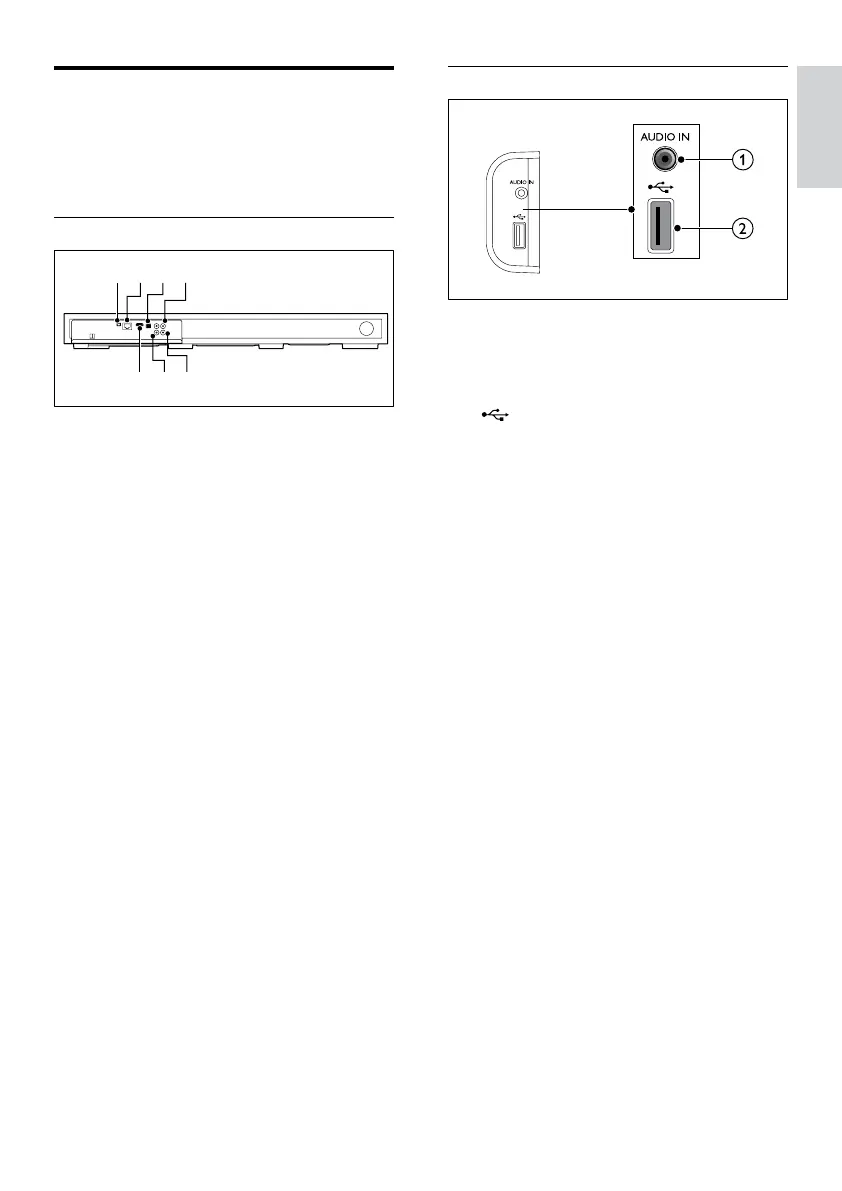
Side connectors
a AUDIO IN
Audio input from an MP3 player (3.5mm
jack).
b
• Audio, video or picture input from a
USB storage device.
• Access BD-Live.



 To Next Page