20
English
Step 1: Turning on the DVD
system
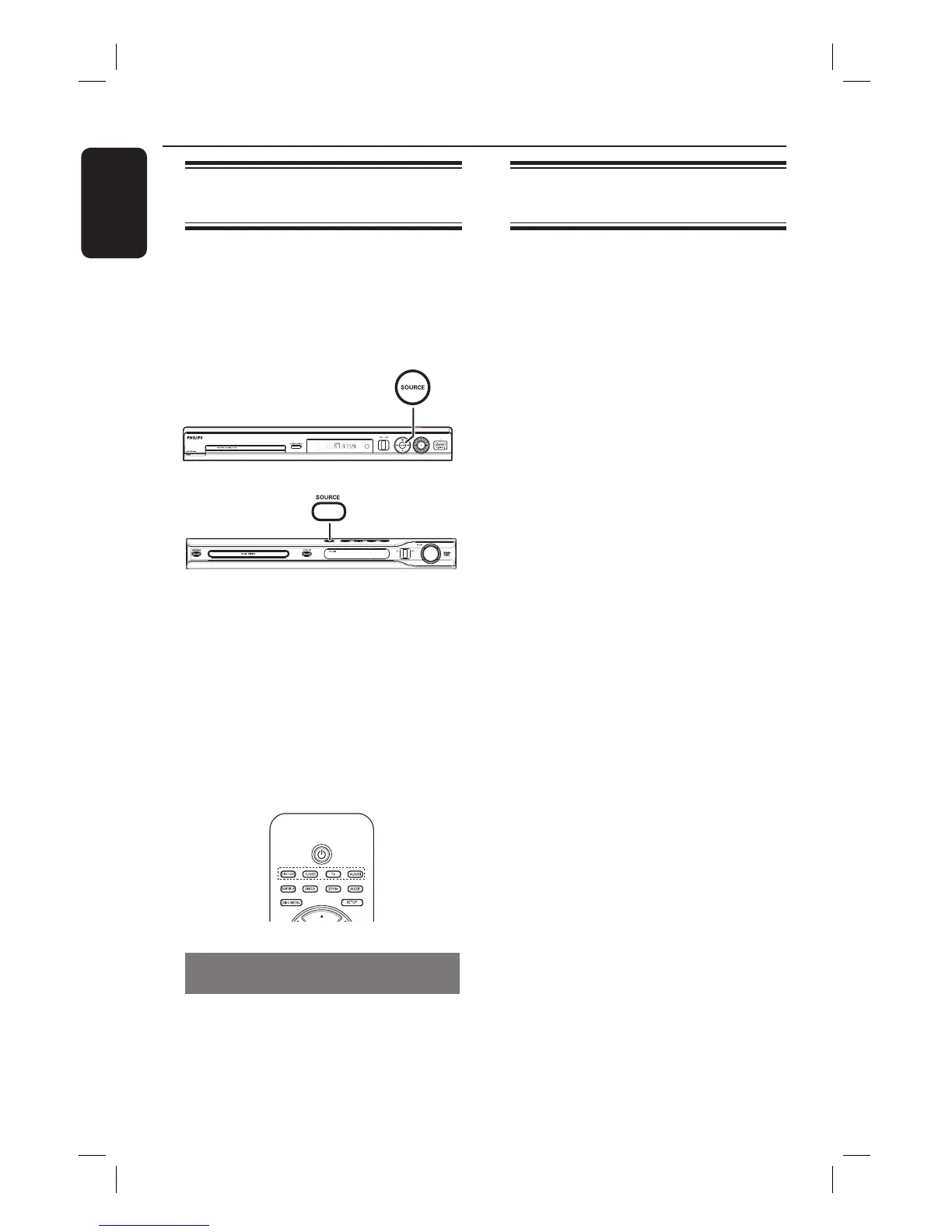
A Press STANDBY ON (2).
B
PPress the SOURCE button on the
front panel repeatedly to select :
DISC ¤ FM ¤ AM ¤ TV ¤ AUX
¤ DI ¤ DISC ....
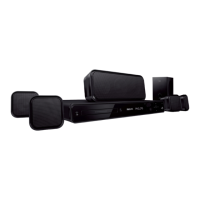
HTS3450
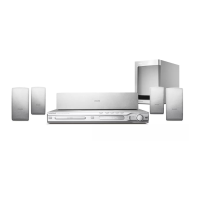
HTS3440
Or
Press DISC/USB, TUNER, TV or
AUX/DI on the remote control.
If the USB is detected, pressing the
DISC/USB will toggle between DISC
and USB mode.
Press TUNER to toggle between FM
and AM band.
Press AUX/DI to toggle between
analog audio input and digital audio input.
Turning off to Eco Power standby
mode
Press STANDBY ON (2).
The display screen will turn off.
Getting Started
Step 2: Finding the correct
viewing channel
Before you start ...
Make sure you have completed all the
necessary connections before proceeding.
A Press SOURCE button until “DISC”
appears on the display panel.
B Turn on the TV and set it to the correct
video-in channel. You should see the
blue DVD background screen on the TV.
You may go to Channel 1 on your TV,
then press the Channel Down button on
your TV’s remote control until you see
the Video In channel.
You may press ° button repeatedly
on your TV’s remote control.
Usually this channel is between the
lowest and highest channels and may be
called FRONT, A/V IN, VIDEO. See your
TV manual for more details.
If you are using a RF modulator, set
the TV to channel 3 or 4.


 To Next Page