7EN
Note
•
Surround sound depends on factors such as
room shape and size, type of wall and ceiling,
windows and refl ective surfaces, and speaker
acoustics. Experiment with the speaker positions
to fi nd the optimum setting for you.
Follow these general guidelines for speakers
placement.
1 Seating position:
This is the centre of your listening area.
2 FRONT Centre (front centre) speaker:
Place the centre speaker directly in front of
the seating position, either above or below
your TV.
3 FRONT LEFT (front left) and FRONT
RIGHT (front right) speakers:
Place the left and right speakers in the front,
and at equal distance from the centre speaker.
Make sure that the left, right, and the centre
speakers are at equal distance from your
seating position.
4 REAR LEFT (rear left) and REAR RIGHT
(rear right) speakers:
Place the rear surround speakers to the left
and right side of your seating position, either
in line with it or slightly behind it.
5 SUBWOOFER (subwoofer):
Place the subwoofer at least one meter
to the left or right of the TV. Leave about
10-centimeter clearance from the wall.
Connect to TV
Connect your home theatre to a TV to watch
videos. You can listen to the TV audio through your
home theatre speakers.
Use the best quality connection available on your
home theatre and TV.
Option 1: Connect to TV through
standard HDMI
Best quality video
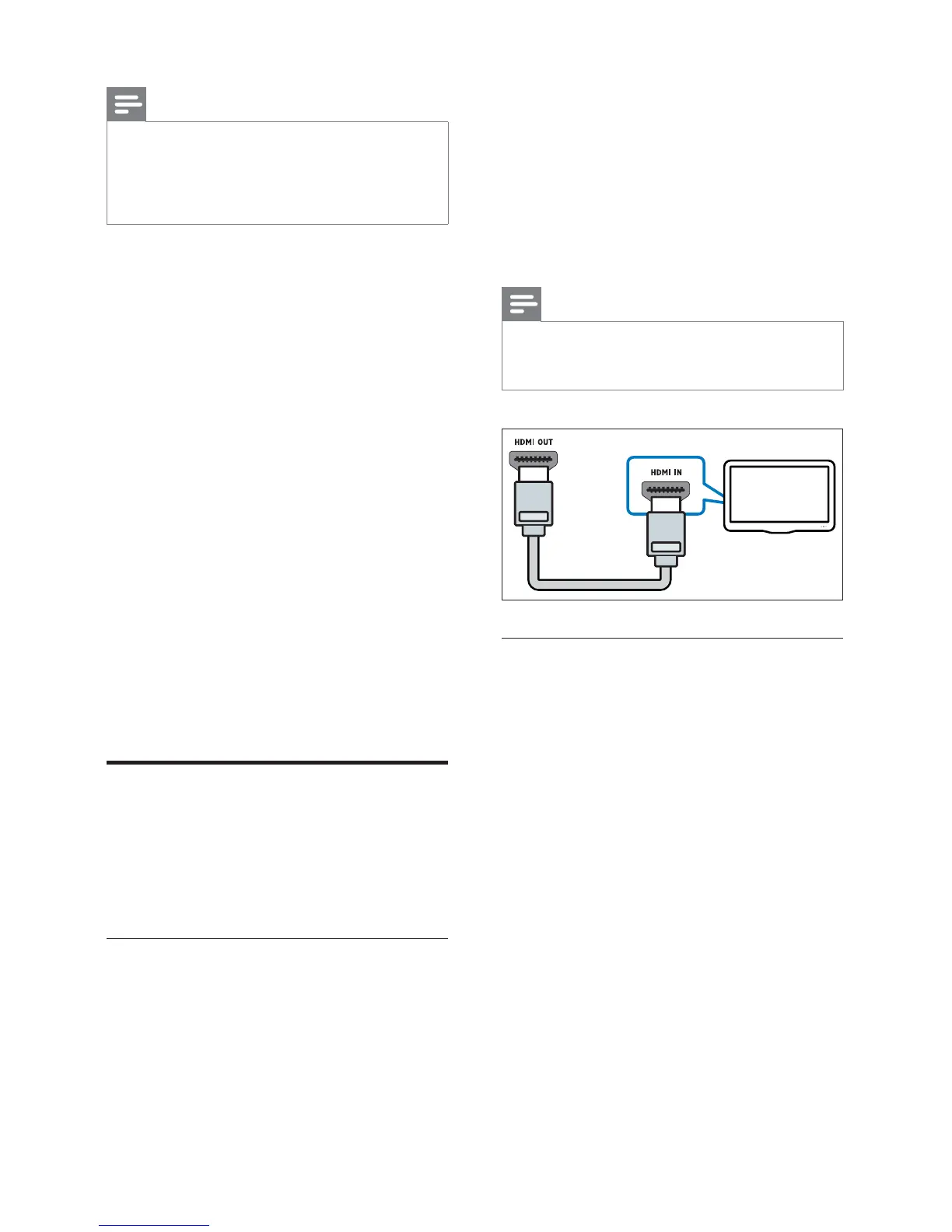
Connect your home theatre to the TV through a
standard HDMI connection.
1 Using a High Speed HDMI cable, connect
the HDMI OUT connector on your home
theatre to the HDMI connector on the TV.
2 Connect an audio cable to hear the TV audio
through your home theatre (see 'Connect
audio from TV and other devices' on page 8 ) .
• When you watch TV programmes,
press SOURCE on your home theatre
repeatedly to select the correct audio
input.
3 On your TV, turn on HDMI-CEC operations.
For details, see the TV user manual.
Note
•
If your TV has a DVI connector, you can use an
HDMI/DVI adapter to connect to TV. However,
some of the features may not be available.
Option 2: Connect to the TV through
composite video
Basic quality video
If your TV does not have HDMI connectors, use
a composite video connection. A composite
connection does not support high-defi nition video.
1 Using a composite video cable, connect the
VIDEO connector on your home theatre to
the VIDEO IN connector on the TV.
• The composite video connector might
be labelled AV IN , COMPOSITE , or
BASEBAND .
2 Connect an audio cable to hear the TV audio
through your home theatre (see 'Connect
audio from TV and other devices' on page 8 ) .
3 When you watch TV programmes, press
SOURCE on your home theatre repeatedly
to select the correct audio input.
4 When you watch videos, switch your TV to
the correct video input. For details, see the
TV user manual.
TV



 To Next Page