10
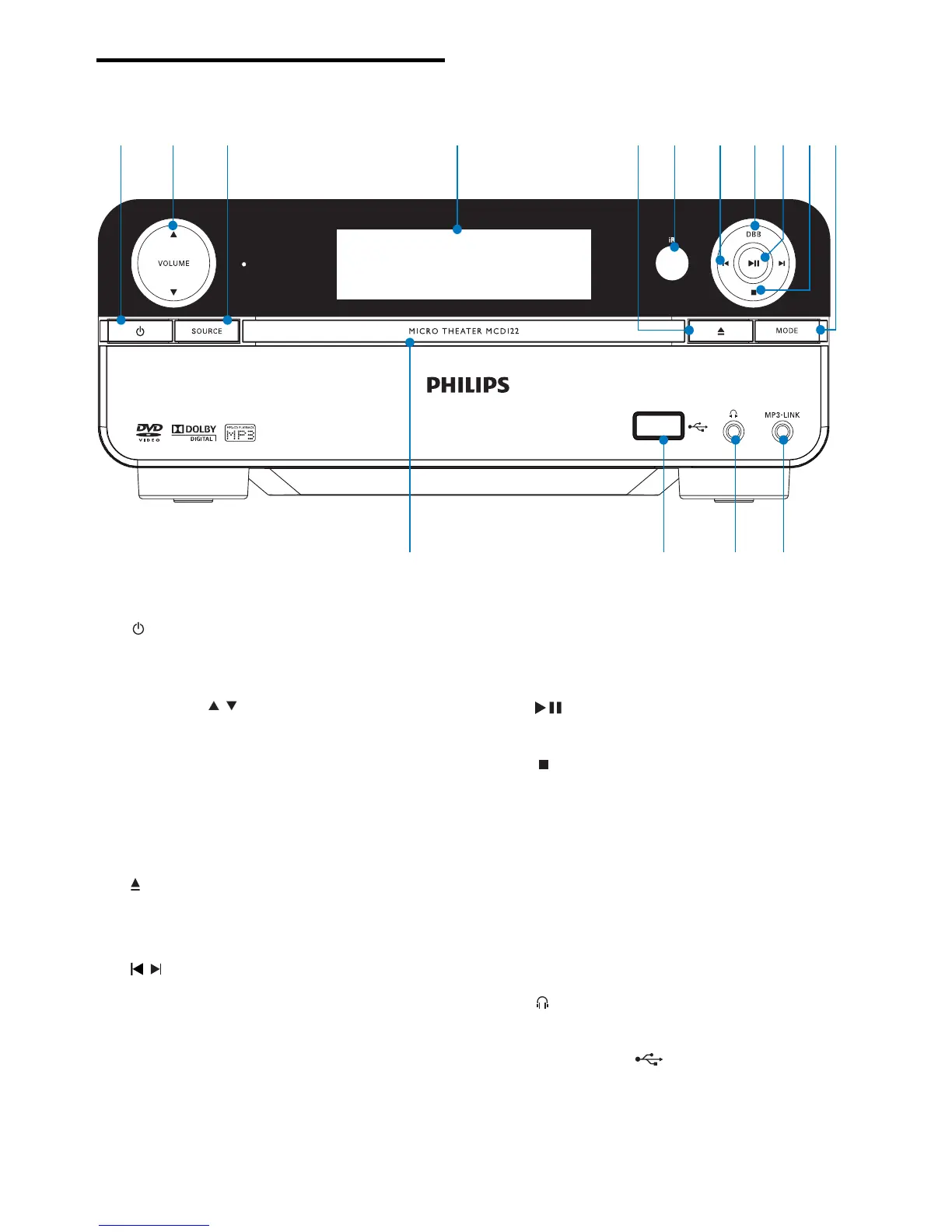
h DBB
Turn on or off dynamic bass •
enhancement.
i
Start or pause play.•
j
Stop play.•
In demo mode, activate or deactivate •
demonstration.
k MODE
Select repeat play modes.•
Select shuffl e play modes.•
l MP3-LINK
Jack for an external audio device.•
m
Headphone socket.•
n USB DIRECT
USB socket.•
o Disc compartment
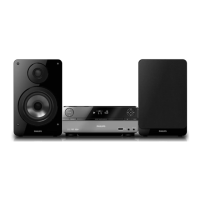
Overview of the main unit
a
Turn on the apparatus or switch to •
the Eco Power standby mode.
b VOLUME
/
Adjust volume.•
Adjust time. •
c SOURCE
Select a source.•
d Display panel
Display current status.•
e
Open or close the disc compartment.•
f Remote control sensor
g
/
Skip to the previous/next track.•
Skip to the previous/next title or •
chapter.
Select a preset radio station.•
a b c d fe g kh ij
lmno
EN



 To Next Page