30
English
System Menu Options
DIVX(R) VOD registration code
Philips provides you the DivX
®
VOD (Video On
Demand) registration code that allows you to
rent and purchase videos using the DivX
®
VOD
service.
For more information, visit us at www.divx.com/
vod.
1 In SYSTEM SETUP page, press 3 4 to highlight
DIVX(R) VOD.
➜ The registration code will appear.
2 Use the registration code to purchase or rent
the videos from DivX
®
VOD service at
www.divx.com/vod. Follow the instructions and
download the video onto a CD-R for playback
on this DVD player.
Notes:
– All the downloaded videos from DivX
®
VOD can
only be played back on this DVD player.
– Time search feature is not available during DivX
movie playback.
LANGUAGE SETUP
The options included in LANGUAGE SETUP
page are: "OSD LANGUAGE", "AUDIO LANG",
"SUBTITLE LANG" and "MENU LANG".
See "Preparations-Step 4: Setting language
preference" for details.
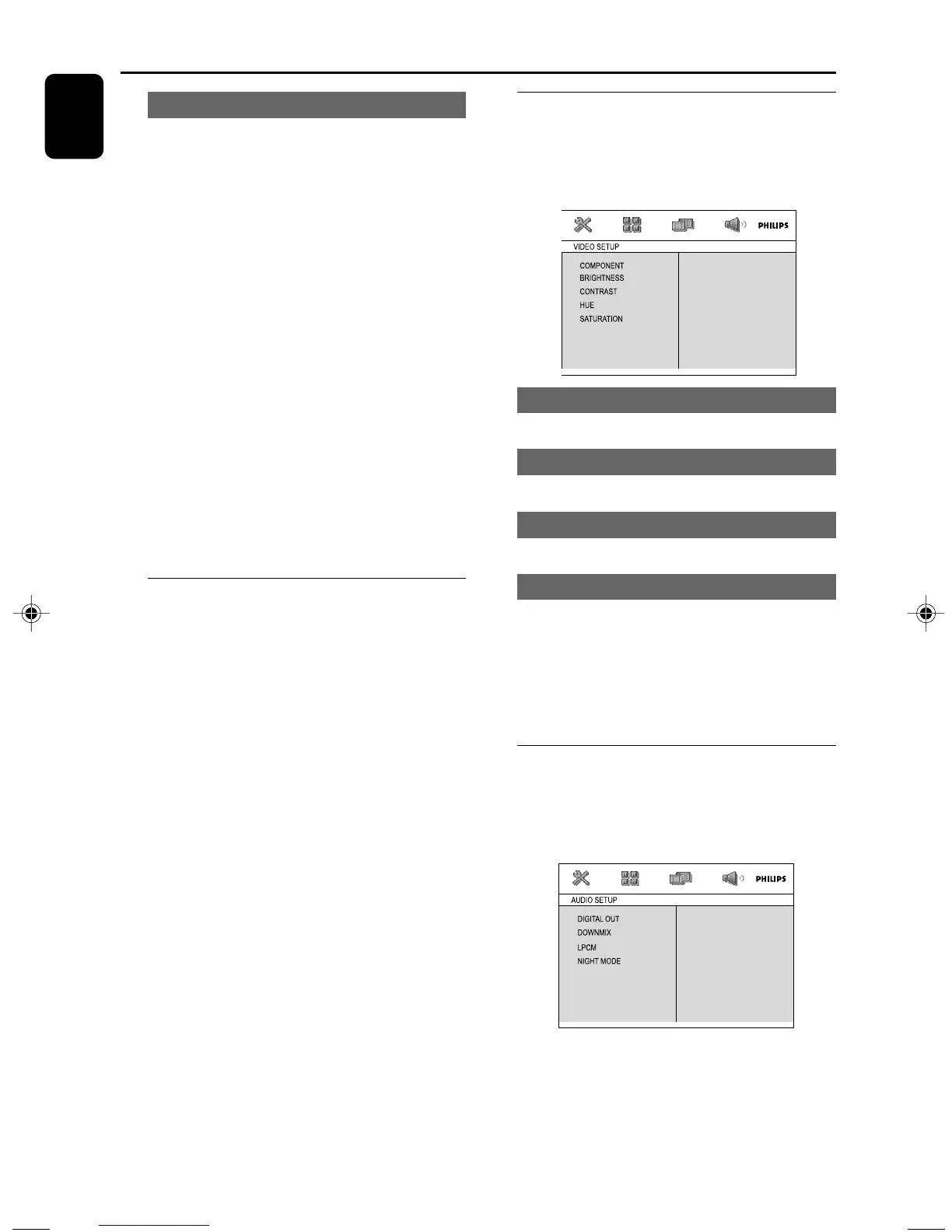
VIDEO SETUP
The options included in VIDEO SETUP page are:
"COMPONENT", "BRIGHTNESS",
"CONTRAST", "HUE" and "SATURATION".
BRIGHTNESS
Adjusts the brightness level. Range: 0-12.
CONTRAST
Adjusts the contrast level. Range: 0-12.
HUE
Adjusts the hue level. Range: -6-+6.
SATURATION
Adjusts the saturation level. Range: 0-12.
Note:
The default settings of “COMPONENT” and “TV
MODE” cannot be changed, which are “SVIDEO”
and “INTERLACE” respectively.
AUDIO SETUP
The options included in AUDIO SETUP page
are: "DIGITAL OUT", "DOWNMIX", "LPCM" and
"NIGHT MODE".
pg001-pg041_MCD395-Eng 2010.4.2, 12:4730


 To Next Page