Internet and PC Link
26 Please visit http://My.Philips.com
English
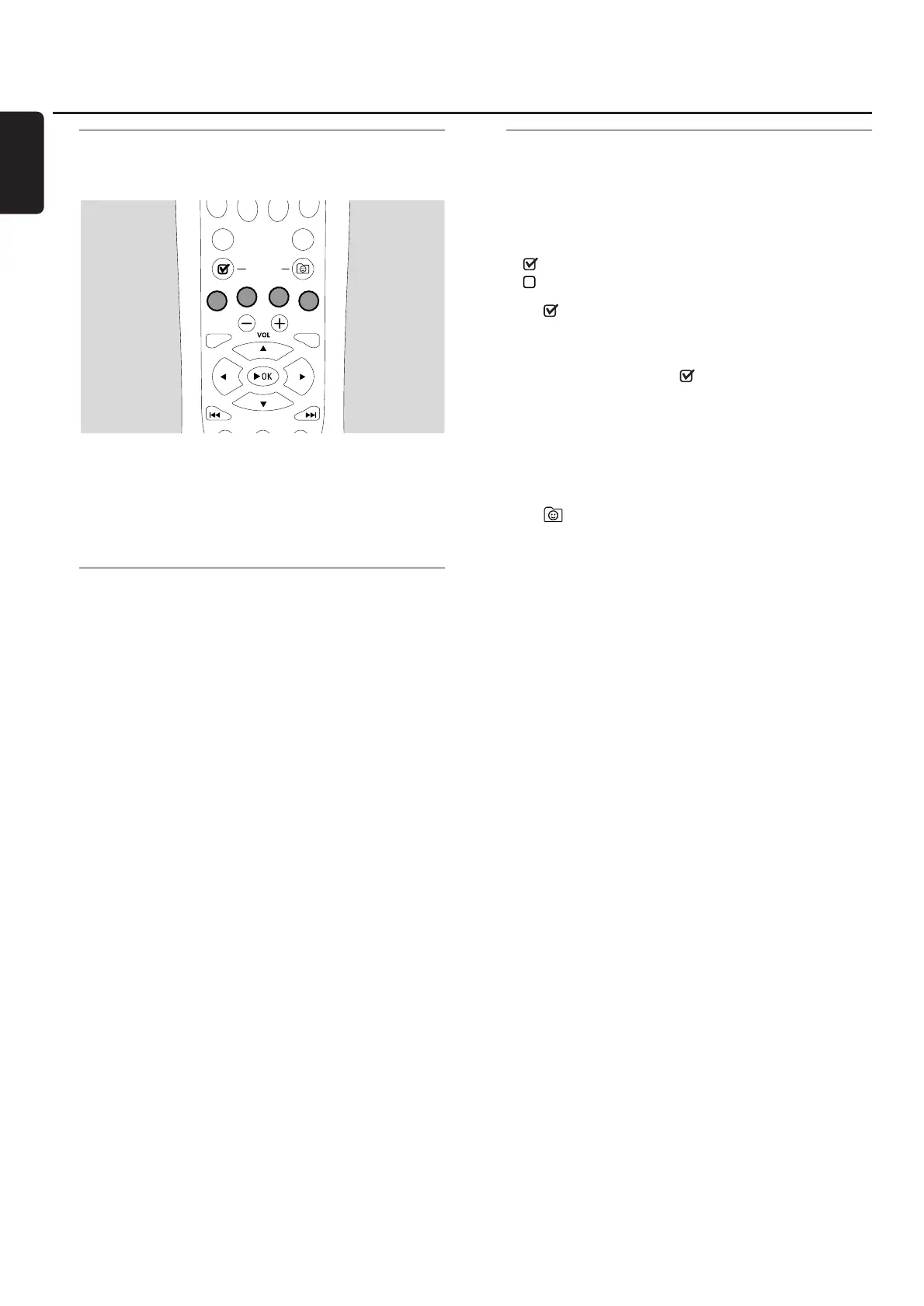
Using the coloured multifunction
buttons – SUBTITLE,ANGLE,
ZOOM and AUDIO
The functionality of the coloured buttons on the remote
control (SUBTITLE,ANGLE, ZOOM and AUDIO) and of
the 2 multifunction buttons on the Streamium System
depends on the media type you are using.The display on
the TV screen will indicate which buttons have a special
functionality.
INFO!
Some Internet media service providers offer additional
information about the media which is currently playing, e. g.
the track/artist played on the selected Internet radio
station.The availability of INFO! depends on the media and
the media service provider.
● Press INFO! to receive an email from My.Philips.com with
information about the media currently played.
Notes:
The requested information is also available at your
My.Philips.com account.
If no information is available, NO INFO AVAILABLE
appears.
Favourites – FAVORITES
To handle the large amount of Internet services easily, you
can add Internet services to your favourites.The favourites
feature is available for INTERNET services only.
Adding a service to your favourites
1 Select an Internet service (Internet radio station, movie …).
➜ indicates that the service is already a favourite.
➜ indicates that the service is not a favourite yet.
2 Press (UN)MARK FAVORITES to add the service to
your favourites.
00
To remove a favourite Internet service from your favourites,
select the service and press (UN)MARK FAVORITES
twice within 2 seconds.
Note:There may be some media services which you cannot
add to your favourites.
Accessing your favourites
1 If necessary, press INTERNET.
2 Press VIEW FAVORITES to view your favourites.
00
To view the favourites of one media type only (e. g. music),
press the red multifunction button (SUBTITLE). Press 3 or
4 repeatedly to select the media type. Next, press 2OK to
confirm.
3 Select any favourite and press 2OK to play it.



 To Next Page