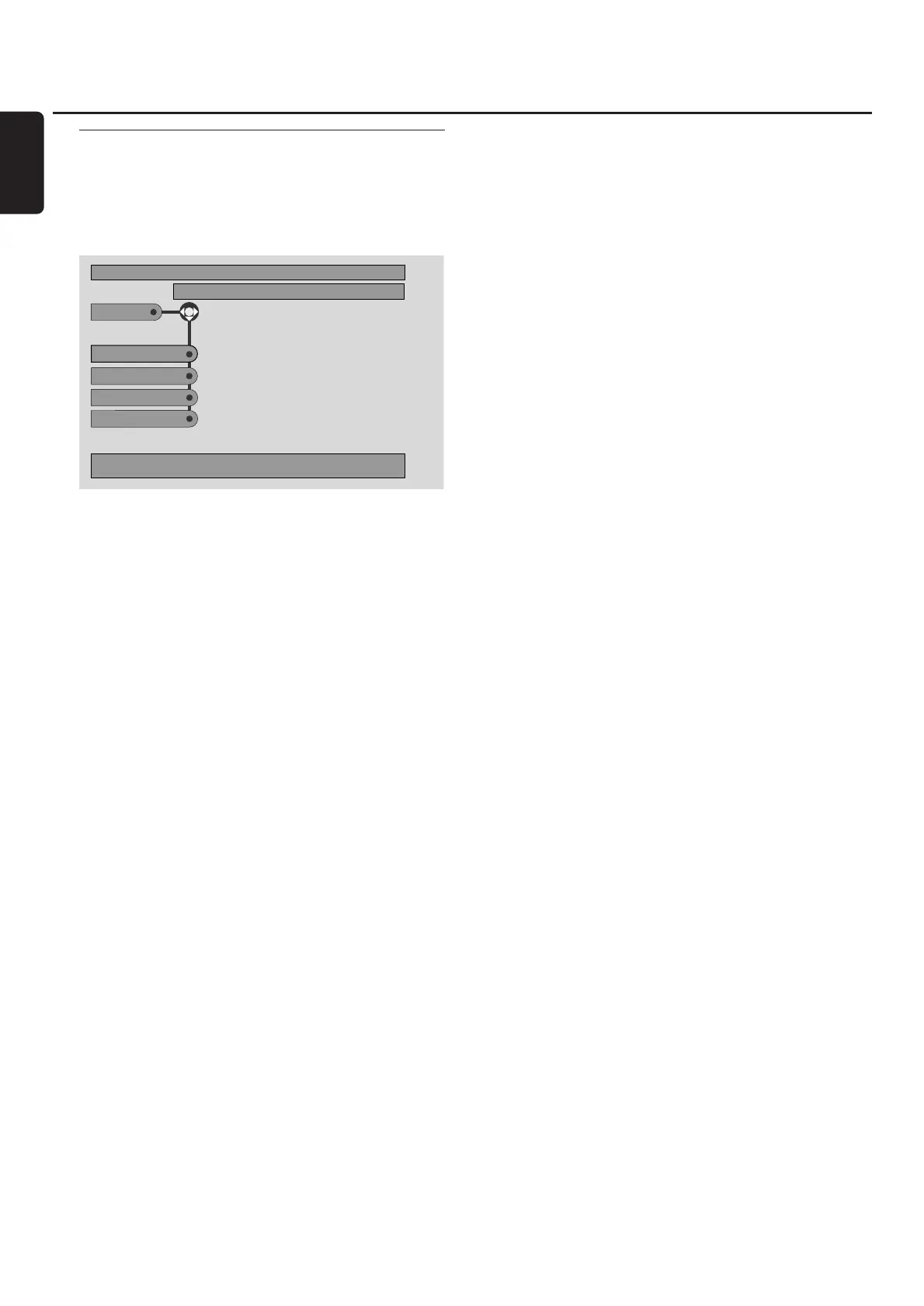
Program [DVD,VCD, CD, MP3]
Program allows you to play your favourite titles/chapters or
tracks/indexes in the order you select.
1 Press SYSTEM MENU.
2 Select Toolbar ➜ Program.
Programming tracks/chapters/titles
1 To programme your favourite tracks, chapters or titles,
press 4 repeatedly to select Tracks. Next, press 2.
2 Press 3 or 4 to select the desired track (chapter or title),
then press 2OK.
➜ The selected track will be stored.
00
To store other tracks, repeat step 2.
3 Press 1 to exit the menu.
Playing a programme
1 Press 3 to select Program.
2 Press 2 repeatedly to select On. Next, press 2OK.
➜ FTS on (Favourite track selection) appears.
Your programme will play.
00
To return to normal playback, select Toolbar ➜
Program ➜ Program. Press 2 repeatedly to select off.
Next, press 2OK.
➜ FTS off appears.
Reviewing / Deleting programmed tracks
Playlist allows you to view the tracks, chapters or titles of
your programme.
1 Press 4 repeatedly to select Playlist. Next, press 2.
2 Press 3 or 4 repeatedly to scroll through the tracks,
chapters or titles of your programme.
00
To delete a track, chapter or title from your programme,
press 3 or 4 repeatedly to select the track, then press
2OK.
➜ The selected track, chapter or title will be deleted from
your programme.
3 Press 1 to exit the menu.
Note: Playlists generated on a computer and stored on the
CD-R(W) are not supported.
Clearing the entire programme
1 Press 4 repeatedly to select Clear all.
2 Press 2 to clear the entire programme.
➜ Cleared will be displayed and the programme will
be cleared.
Disc
32
English



 To Next Page