9EN
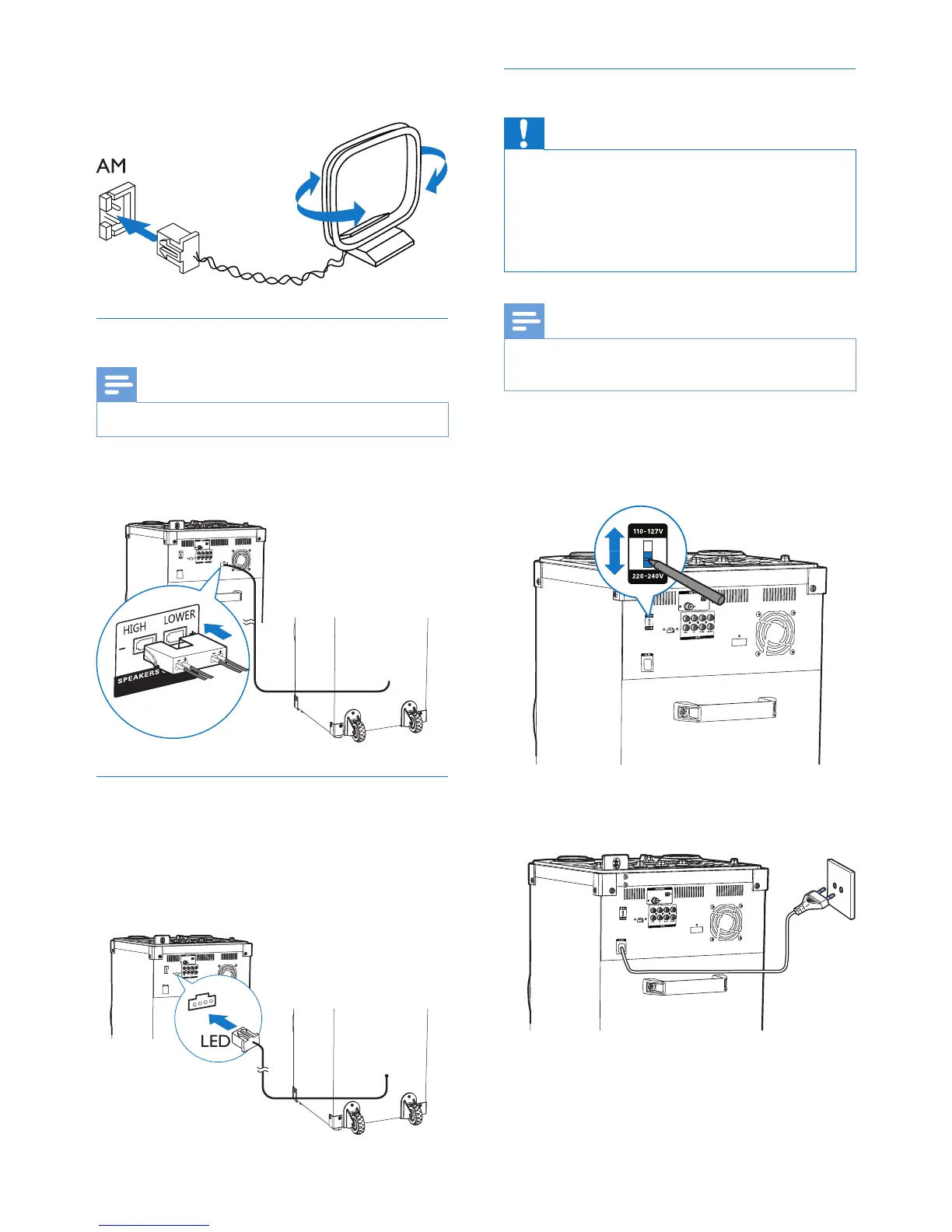
2 Connect the AM loop antenna to the AM
jack on the back of the main unit.
Connect speaker
Note
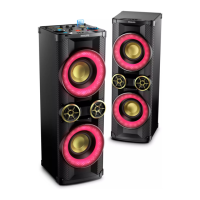
• For optimal sound, use the supplied speaker only.
Insert the speaker wire completely into the
SPEAKER OUT sockets.
Connect LED wire
1 Find the LED socket on the back of the
main unit.
2 Insert the connector of the LED wire into
the LED socket.
Connect power
Caution
• Risk of product damage! Make sure that you have
selected the power supply voltage that corresponds to
your local power supply.
• Risk of electric shock! When you unplug the power
cord, always pull the plug from the socket. Never pull
the cord.
Note
• Before connecting to AC power, make sure that you
have completed all other connections.
1 Adjust the voltage selector on the back of
the main unit to match your local power
supply.
2 Connect the AC power plug to the power
outlet.


 To Next Page