10 EN
Turn on
Press .
» The unit switches to the last selected
source.
Switch to standby mode
Press again to switch the unit to standby
mode.
» The button lights up red.
Turn demo mode on or off
In standby mode, press and hold for more
than 5 seconds to turn demo mode on or off.
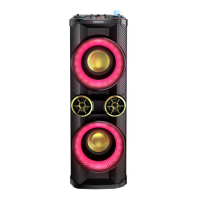
» When the demo mode is activated,
the color of the speaker box changes
randomly and constantly.


 To Next Page