8 EN
4 Basics
Find apps
Navigate on the Home screen to nd an app:
• Swipe left/ right to select a page;
• Alternatively, tap to open the list of
apps. Swipe left/ right to scroll through
the list;
• Use the navigation buttons /
to switch between screens. Tap to
go to the apps that you have accessed
recently.
Tip
• On PI2010, you can install apps from the Play Store or
other sources.
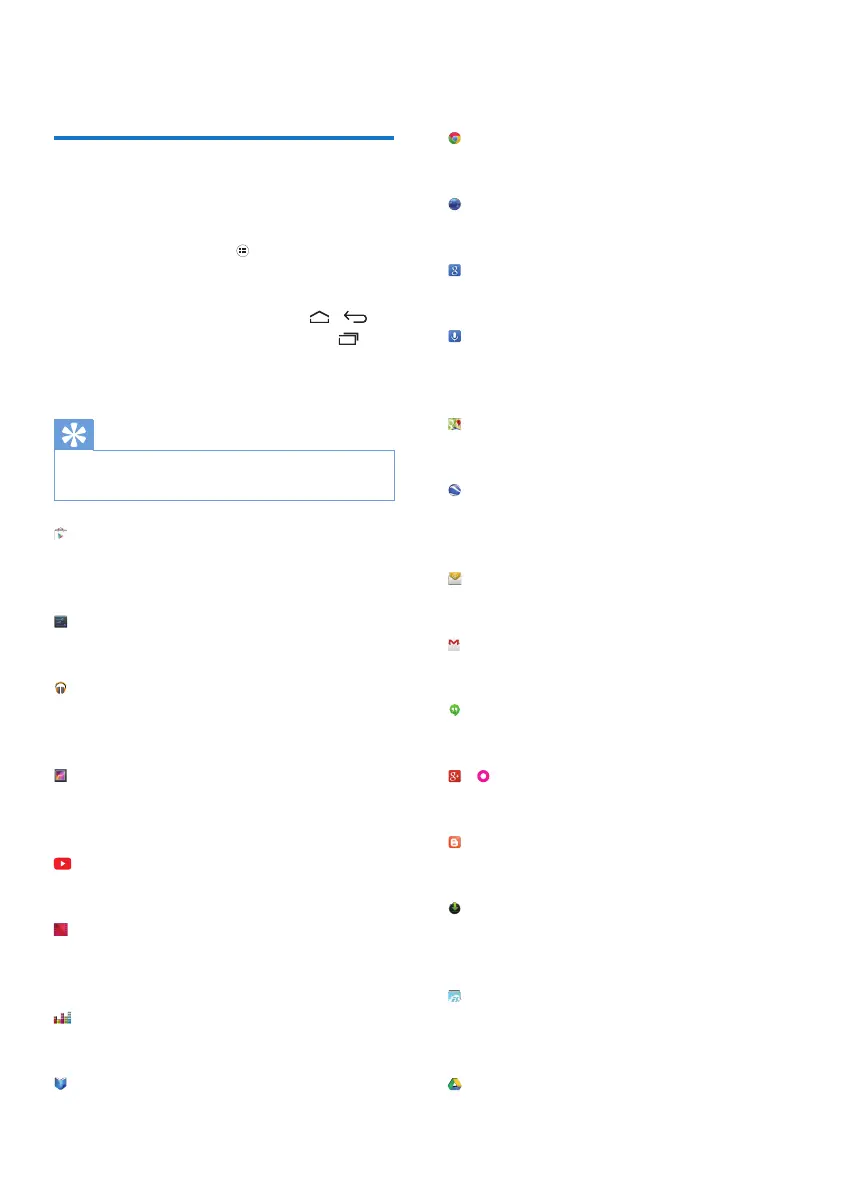
Play Store:
• Download different apps, games, and
others.
Settings:
• Customize the settings of PI2010.
Play Music:
• Play music that you store on PI2010.
• Online music service of Google
Gallery:
• View pictures and videos that you
store or make on PI2010.
YouTube:
• Online video service of Google
Play Movies & TV:
• Online movie & TV service of Google
(available in some countries)
Deezer:
• Online music service
Play Books:
• Online book service of Google
(available in some countries)
Chrome:
• Web browser of Google
Browser:
• Browse Web pages.
Google Search:
• Search on PI2010 or the Web.
Voice Search
• Voice search and voice action services
of Google
Maps:
• Maps service of Google
Earth:
• Satellite view of maps (available in
some countries)
• Email:Set up your email account on
PI2010.
Gmail:
• Mail service of Google
Hangouts:
• Chat service of Google
/
Google+/ Orkut:
• Social networking service of Google
Blogger:
• Blogger service of Google
Downloads:
• View the list of your downloads from
the Web.
ES File Explorer:
• Browse the les/ folders on PI2010,
install apps, and manage les.



 To Next Page