Sonic Emotion™ settings
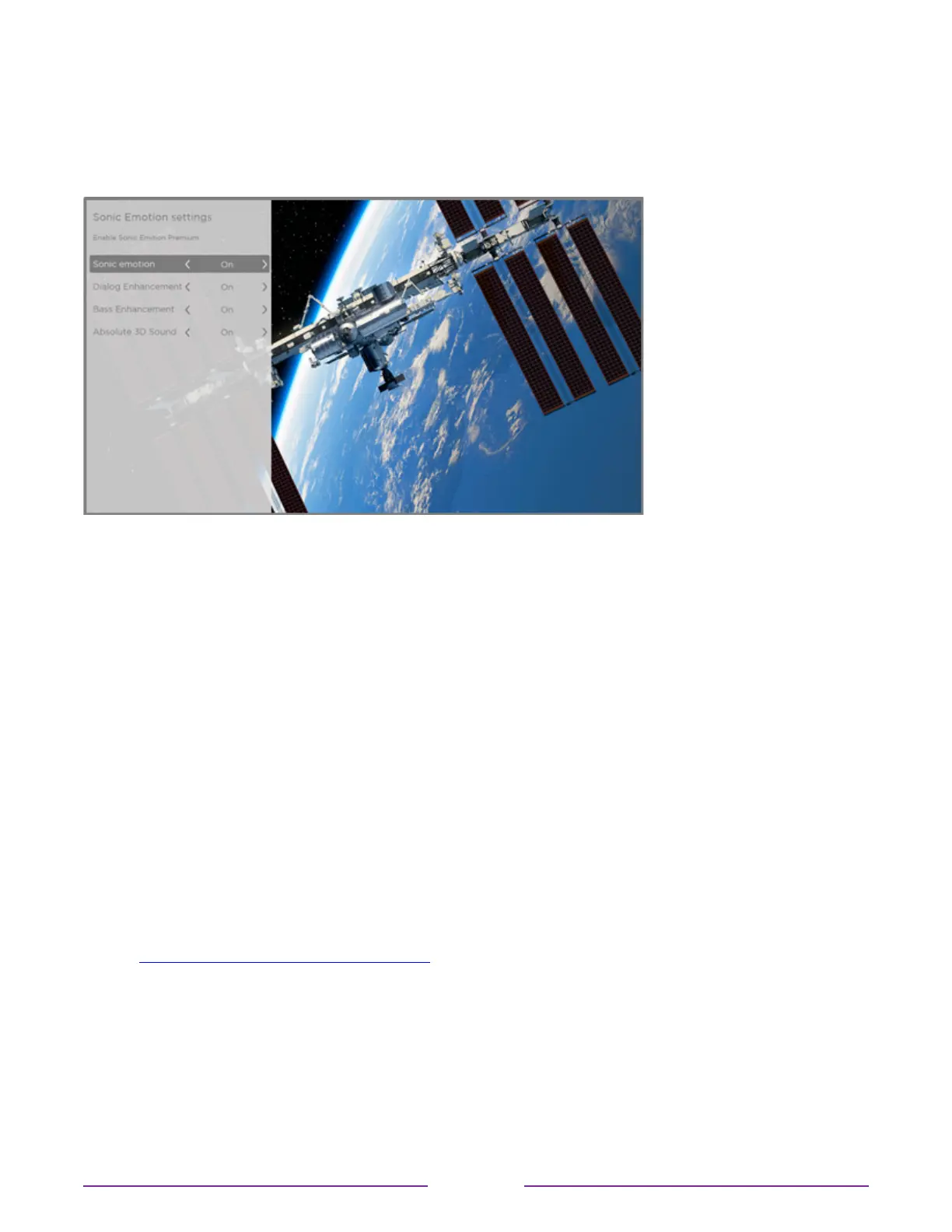
When you select SonicEmotionPremium from the Soundsettings menu, these additional
settings become available:
Sonic Emotion settings menu for models with Sonic Emotion™ Premium
•
DialogEnhancement – Enhances your ability to hear and understand dialog in the
program.
•
BassEnhancement – Enhances the low frequency sound component in the program.
•
Absolute3DSound – Simulates sound from multiple speakers that would otherwise
require installation of a surround sound audio system.
Expert Picture Settings (4K models only)
4K (UHD) TV models have additional picture settings for demanding home theater
enthusiasts. Expert Picture Settings include gamma, noise reduction, 11-point white balance
adjustment, and extended color space management.
You can access Expert Picture Settings only by using the Roku mobile app on an iOS® or
Android™ mobile device. For more information, go to the following link on the Roku web site:
go.roku.com/expertpicturesettings
77










 To Next Page