English
43
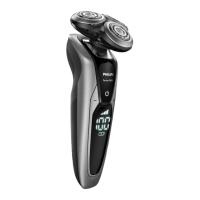
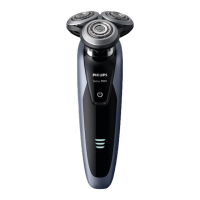
General description
1 Pop-up trimmer
2 Trimmer release slide
3 Shaving unit
4 Shaving unit release button
5 On/o button
6 Menu button
7 Socket for small plug
8 Charging stand
9 Supply unit
10 Small plug
11 Pouch
12 Philips Quick Clean Pod Cartridge
13 Quick Clean Pod
14 Cleaning brush
15 Length settings
16 Click-on beard styler attachment
17 Comb for beard styler attachment
Note: The accessories supplied may vary for dierent
products. The box shows the accessories that have
been supplied with your appliance.
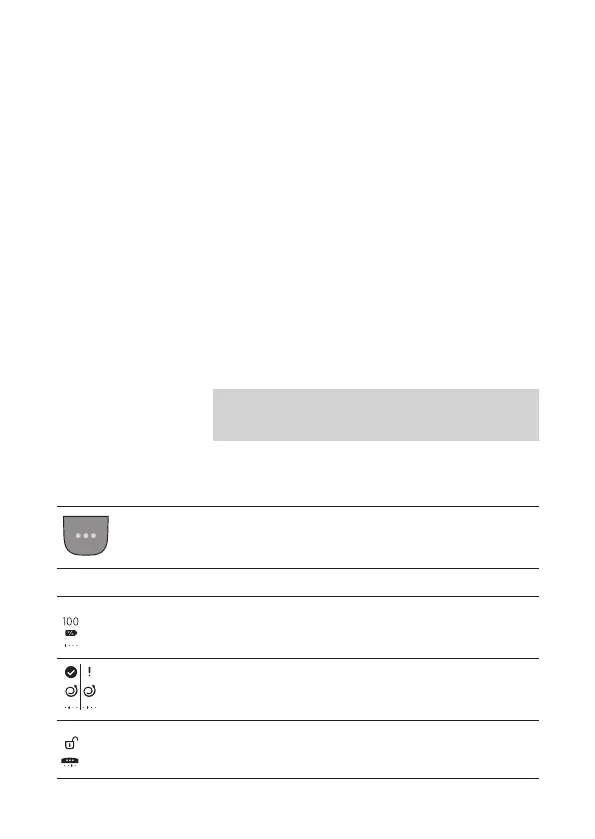
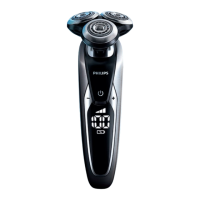
What do the icons on the display mean?
-
Main Menu
You can toggle through the menu items by pressing the
menu button.
Icon Meaning
The main menu shows the status of the battery in
percentages.
The Motion Control sensor menu tells you if the motion
during your last shave was good or can be improved (see
'When your shaver is switched o').
You can activate the travel lock in this menu (see 'Main
menu').



 To Next Page