English
45
-
Cleaning the shaver
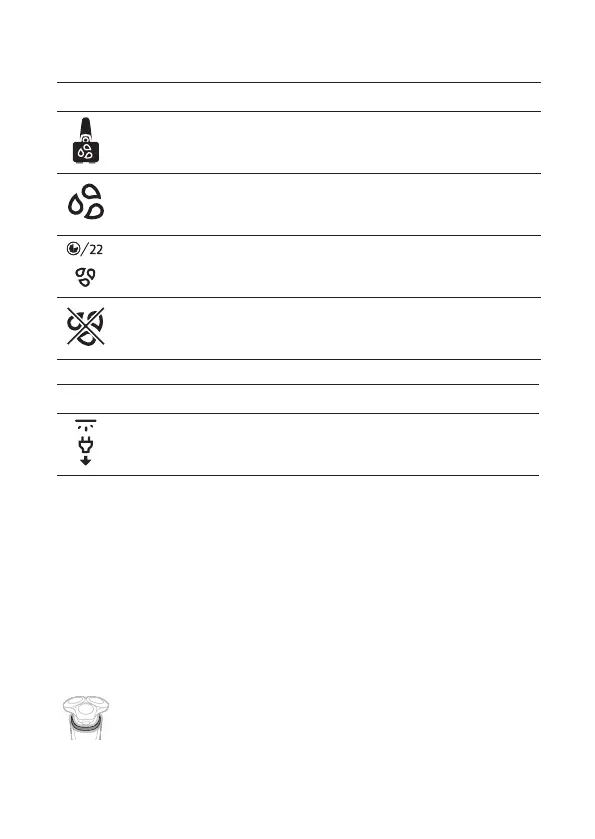
Icon Meaning
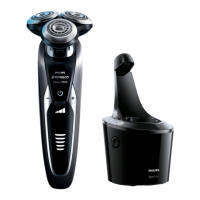
A reminder: clean your shaver in the quick cleaning pod (see
'How do I use the Quick Clean Pod?').
A reminder: clean your shaver.
The cleaning process is in progress and the display shows the
remaining cleaning time as a clock, or in seconds, if you press
the menu button.
The cleaning process has been interrupted (see
'Troubleshooting').
-
Unplug for use
Icon Meaning
Unplug the shaver before you use it.
What is my shaver telling me?
When your shaver is switched on
During your shave, you receive feedback on how
much pressure you are applying via the light ring at
the top of your shaver handle.
The light ring on the handle lights up in various
colors during your shave to give you feedback on
how much pressure you are exerting. These are the
default settings:
- When you don't apply enough pressure, the
light ring lights up blue.
- When you apply the correct amount of
pressure, the light ring lights up green.



 To Next Page