14 EN
Manual sync
Totransferselectedmedialesmanually,
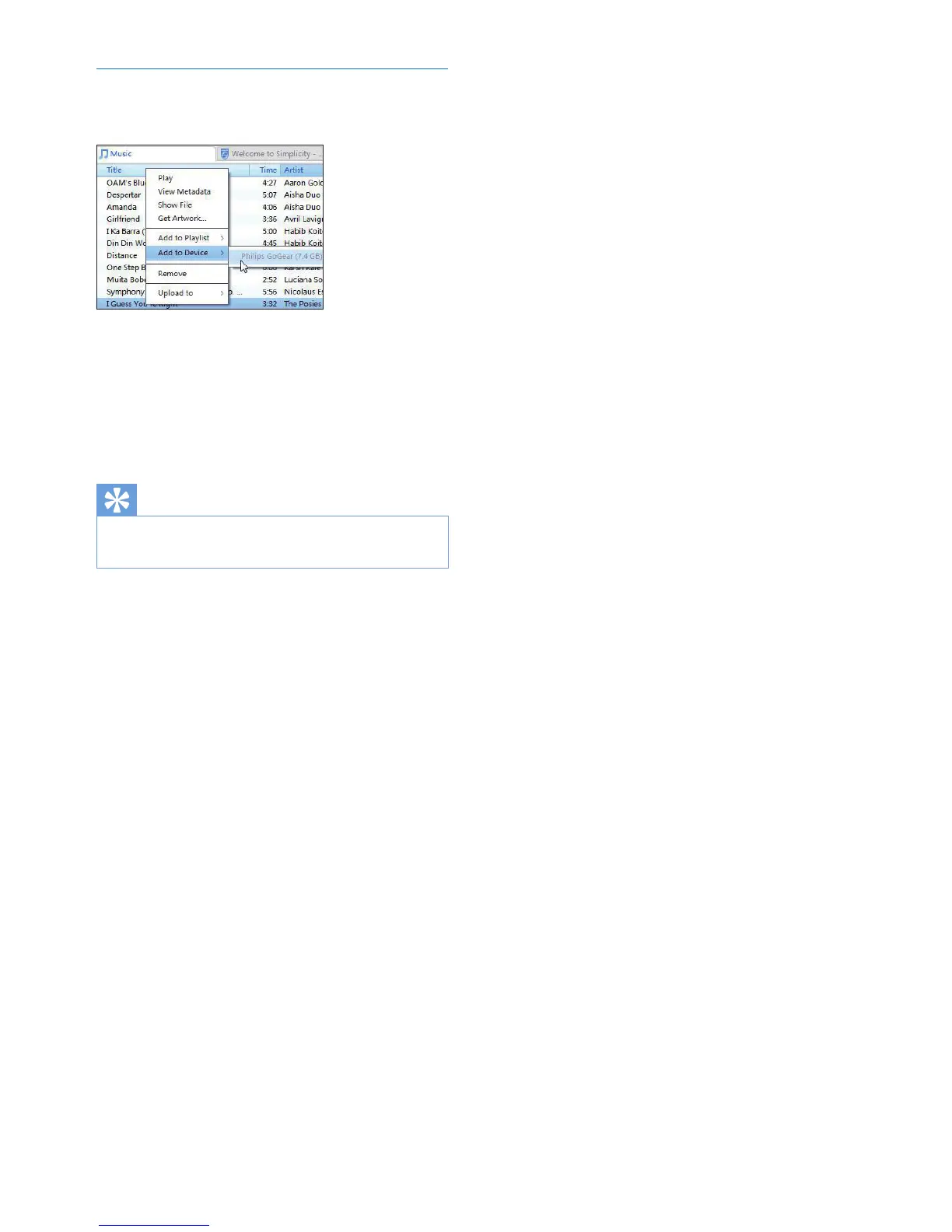
1 On the Content pane, right click on a
selected media le.
2 Select Add to Device > SOUNDDOT.
» Selected les are transferred to
SOUNDDOT.
Tip
•
To select multiple les at the same time, hold down the
Ctrl button when you click options.










 To Next Page