9EN
3 Get started
Charge power
SOUNDDOT has a built-in battery that can be
charged through the USB socket of a computer.
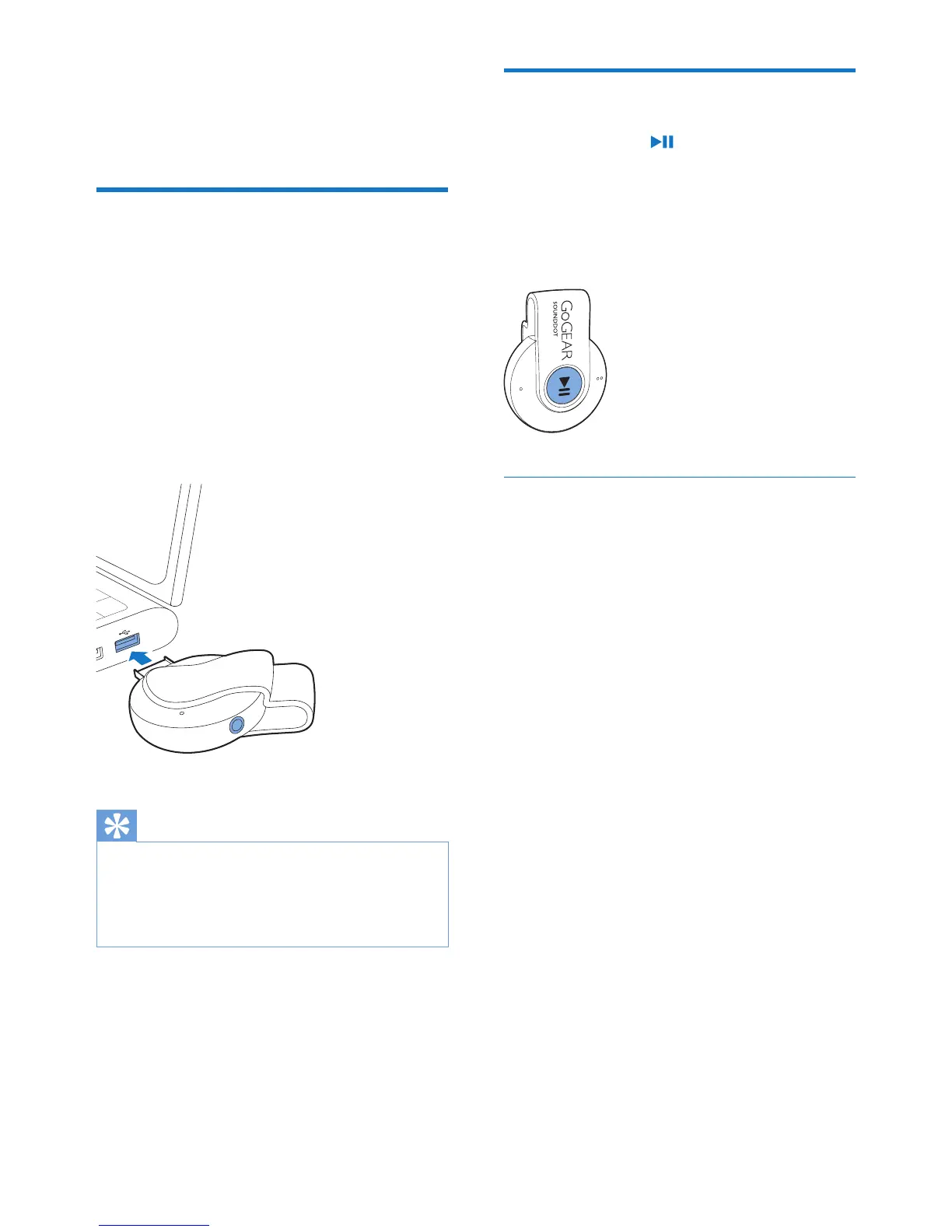
• Rotate the USB connector to connect
SOUNDDOT to a PC.
» During power charging, the indicator
changes its color to denote the battery
level.
» When the battery is full, the green
indicator lights up.
Tip
•
When the battery level is lower than 15%, the red
indicator ashes and two beeps sound.
• Rechargeable batteries have a limited number of charge
cycles. Battery life and number of charge cycles vary by
use and settings.
Switch the player on or off
• Press and hold until the green or red
indicator lights up.
» Power on: The green indicator lights
up. Music play starts.
» Power off: The red indicator lights up.
One beep sounds.
Automatic standby and shut-down
The player has an automatic standby and shut-
down feature that can save battery power.
After ve minutes in idle mode (no play, no
button is pressed), the player switches off.










 To Next Page