30 Advanced settings
Press
m in idle mode, scroll :
to
ADVANCED SET
and press
<
OK
, scroll to
FIRST RING
and
press
<
OK
.
Scroll
: to
ON
or
OFF
and press
<
OK
to confirm.
• A validation tone is emitted and the
screen returns to previous menu.
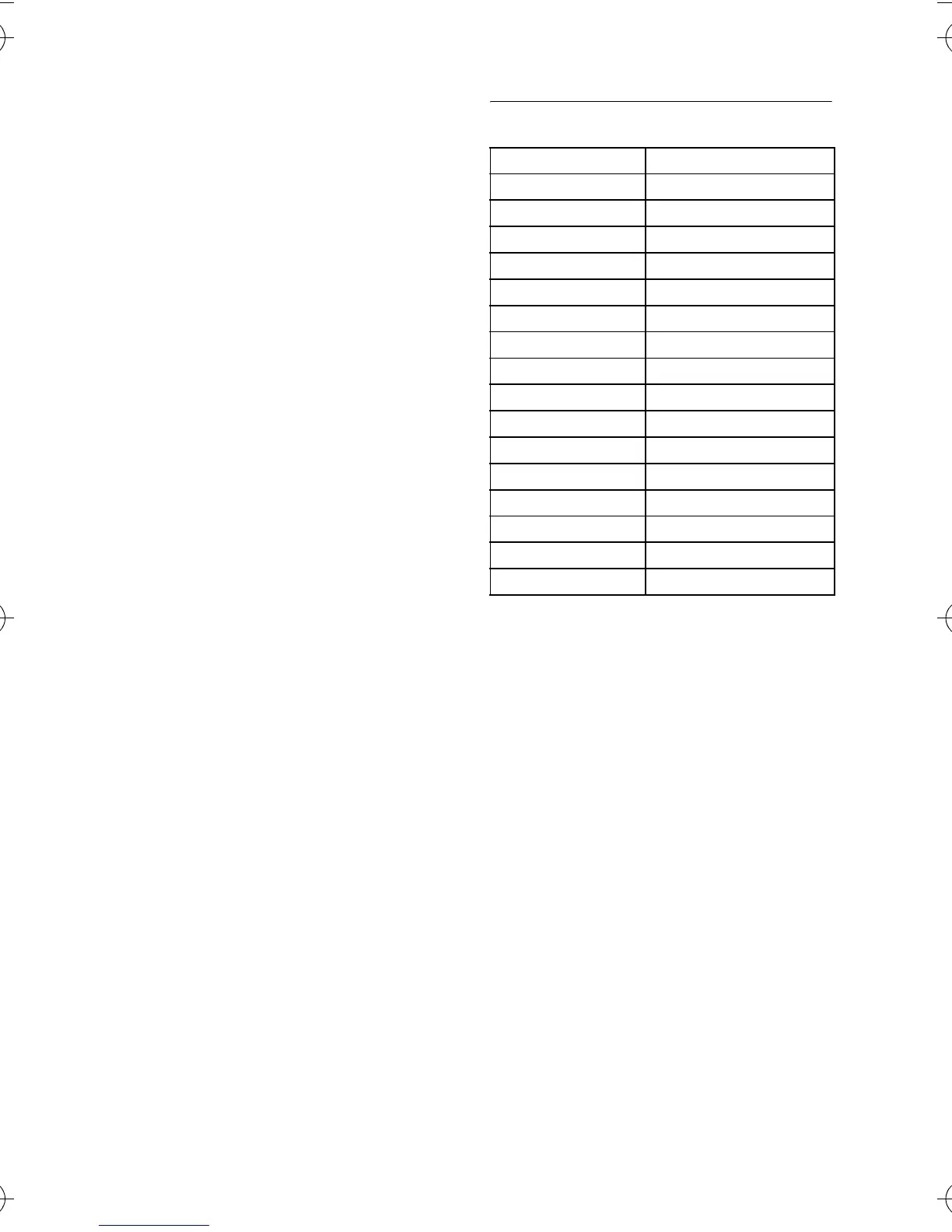
8.10 Default settings
1
2
Ringer Volume LEVEL 3
Tones Melody MELODY 1
Earpiece Volume LEVEL 2
Key Tone ON
Language Country dependent
Auto Hang Up ON
Handset Name PHILIPS
Time/Date 01/01; 00-00
Time format 24 HOURS
Date format DD/MM
Dialing Mode Country dependent
Recall Time Country dependent
First Ring Country dependent
Master PIN 0000
Alarm OFF
Alarm Tone MELODY 1
Auto Prefix EMPTY
CD150_IFU_master_UK.book Page 30 Tuesday, February 19, 2008 9:11 AM



 To Next Page