1
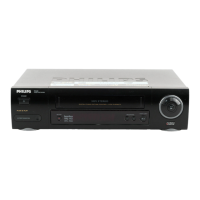
VCR 1 will play your tape. Insert a prerecorded tape in
VCR 1. If the tape does not have a record tab, playback begins. If
this happens, press the STOP/EJECT button on VCR 1 once.
Rerecording (Tape Duplication) 33
2
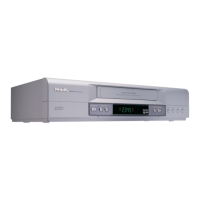
VCR 2 will record your tape. Insert a blank tape in VCR 2.
Make sure the record tab is intact (details are on page five). Make
sure the VCR 2 power is on and VCR 2 is in VCR position. (The
VCR/TV light will appear. If it does not, press the VCR/TV button
once.)
3
Turn on the TV and set it to channel 3 or 4, whichever
channel the CH3/CH4 switch on VCR 2 is set to.
4
Point the remote control at VCR 2. Press the Number
buttons 0, 0. AUX will appear on-screen.
5
Point the remote control at VCR 2. Use the SPEED but-
ton to select SP, LP, or SLP.
6
Press the PLAY button on VCR 1 and the REC(ord)/OTR
button on VCR 2 at the same time.
1. Audio cable from AUDIO OUT Jack of
VCR 1 to AUDIO IN Jack of VCR 2
VCR 1 - Playing VCR
VCR 2 - Recording VCR
3. RF coaxial
cable from VCR’s
OUT Jack to TV’s
ANTENNA IN
Jack
7
To stop recording, press the STOP/EJECT button on VCR
2 once, then stop the tape on VCR 1.
2. Video cable from VIDEO OUT Jack of
VCR 1 to VIDEO IN Jack of VCR 2
• Unauthorized recording of copy-
righted television programs, video
tapes, or other materials may
infringe on the rights of copyright
owners and violate copyright laws.
• Audio and video cables are not sup-
plied.
• The illustration uses two VCRs just
like yours. Different VCRs may oper-
ate differently.
Helpful Hints
SVZ142.comb 4/7/99 6:30 PM Page 33


 To Next Page