EN
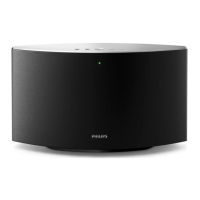
To adjust volume of an individual speaker:
• Press +/- on the top panel of the speaker.
• Open the SpeakerSet app, then move the
slider beside the speaker on the above
volume adjustment page directly.
To play/pause music play:
• Press on the top panel of any speaker
in the group or use controls on the Spotify
app screen directly.
Tip
• On the volume adjustment page of the SpeakerSet app,
you can also tap
beside a speaker to mute/unmute
its volume output.
• More music controls and sound settings are available on
the SpeakerSet app screen.


 To Next Page