Need help?
Do you have a question about the Philips TAA6708 and is the answer not in the manual?
Guidelines for limiting listening time and volume to prevent hearing damage.
Advice on preventing malfunction from heat, moisture, drops, and using proper cleaning agents.
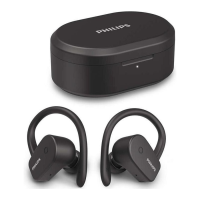
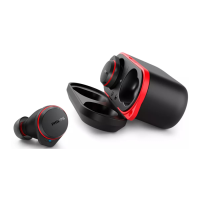
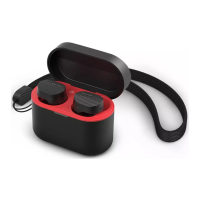
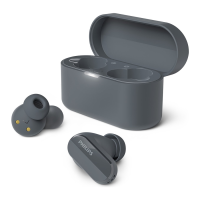
Lists all items provided with the Philips TAA6708 headphones.
Identifies devices like phones and notebooks that can connect via Bluetooth.
Instructions for charging the earpieces and charging box via USB-C.
Guidance on selecting ear tips and inserting earpieces for optimal fit and sound.
Steps to download the Philips Headphones app using QR codes or app stores.
Steps for the first-time connection of earpieces to a Bluetooth device.
Procedure to connect the earpieces to a second or subsequent Bluetooth device.
Instructions for using one earpiece for mono audio playback.
Details on connecting to two devices simultaneously and switching between them.
Steps for automatically reconnecting earpieces to previously paired devices.
How to turn the earpieces on and off using the charging box.
Controls for music playback, volume, and handling calls via earpiece touch controls.
How to trigger and use voice assistants like Siri or Google via earpiece controls.
Explains the status indicated by LED lights on the earpieces.
Explains the status indicated by LED lights on the charging box.
Steps to reset earpieces to default settings to resolve connectivity issues.
Key specifications including battery life, charging time, Bluetooth version, and IP rating.
Statement of compliance with EU and UK radio equipment directives.
Guidance on recycling old products and batteries according to regulations.
Instructions for safely removing the battery from earpieces and charging box.
Confirmation of adherence to standards for electromagnetic field exposure.
Information regarding packaging materials and their environmental impact.
Details on FCC and Canadian compliance for radio interference and RF exposure.
Lists registered trademarks like Bluetooth, Siri, and Google associated with the product.
Troubleshooting steps for earpieces that fail to power on, suggesting battery issues.
Solutions for problems encountered during Bluetooth pairing and device connection.
Reasons and fixes when a Bluetooth device cannot detect the earpieces.
Troubleshooting for music defaulting to the phone speaker instead of earpieces.
Tips to resolve poor audio quality, crackling, or slow streaming issues.
Instructions on how to clean earpieces to maintain performance and audio quality.
 General
| Connectivity | Bluetooth |
|---|---|
| Bluetooth Version | 5.3 |
| Frequency Response | 20 Hz - 20 kHz |
| Battery Life (Earbuds) | 6 hours |
| Weight (Case) | 45 g |
| Microphone | Yes |
| Active Noise Cancellation | Yes |
| Bone Conduction | No |
| Touch Controls | Yes |
| Voice Assistant Support | Yes |
| Compatibility | Android, iOS |
| Type | True wireless |
| Charging Time | 2 hours |

 To Next Page