5 Reset the
earpieces
1
2
3
4
5
6
On your Bluetooth device, go to the
Bluetooth menu and remove Philips
TAA6708 from the device list.
your Bluetooth device.
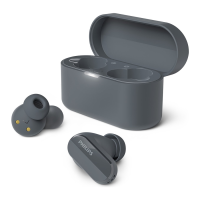
Return earpieces to charging box
and open the lid.
Press button on box twice.
Follow steps in “Use your earpieces-
connect the earpieces to your
Bluetooth device.”
Pair the earpieces with your
Bluetooth device, select Philips
TAA6708.
If you encounter any pairing or connection
issue, you can follow the following
procedure to reset your earpieces to
factory default settings.
If there is no response from the
earpieces, you can follow the below step
to reset the hardware of your earpieces.
Tap and hold multi-function touch for
10 seconds.
11 EN


 To Next Page