5 Reset the
headphones
6 Technical data
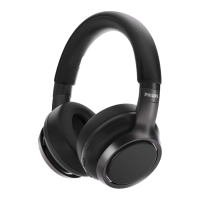
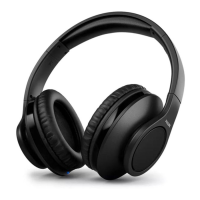
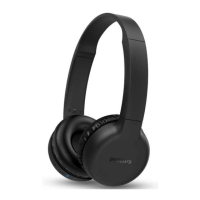
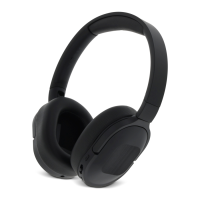
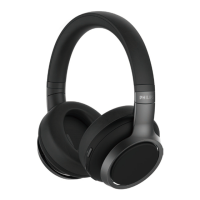
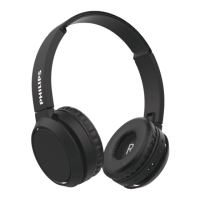
Headphones
Music play time: 65 hours
Driver: 40 mm
Charging time: 2 hours
Rechargeable lithium ion battery
(500 mAh)
Bluetooth version: 5.3
• A2DP (Advanced Audio
• AVRCP (Audio Video Remote
Frequency range: 2.402-2.480GHz
Transmitter power: < 10 dBm
Operating range: Up to 10 meters (33
feet)
USB-C port for charging
Dynamic bass
Multi-point connection
Note
notice.
Battery life of playtime is approximate and may
vary depending on application condition.
EN 10
1
2
3
4
5
6
On your Bluetooth device, go to the
Bluetooth menu and remove
Philips TAH5209 from the device list.
your Bluetooth device.
Turn on your headphones.
Press and hold Vol + and V- for 4
seconds at the same time.
Follow steps in “Use your headphones-
connect the headphones to your
Bluetooth device.”
Pair the headphones with your
Bluetooth device, select
Philips TAH5209.
If you encounter any pairing or connection
issue, you can follow the following
procedure to reset your headphones to
factory default settings.


 To Next Page
 Loading...